Free 2027 Revenue Planning Toolkit for Consulting Firms
Six free tools to build a consulting firm's 2027 revenue plan. Rank clients, find the gap, set pipeline targets, plan sales pay, report to your board.
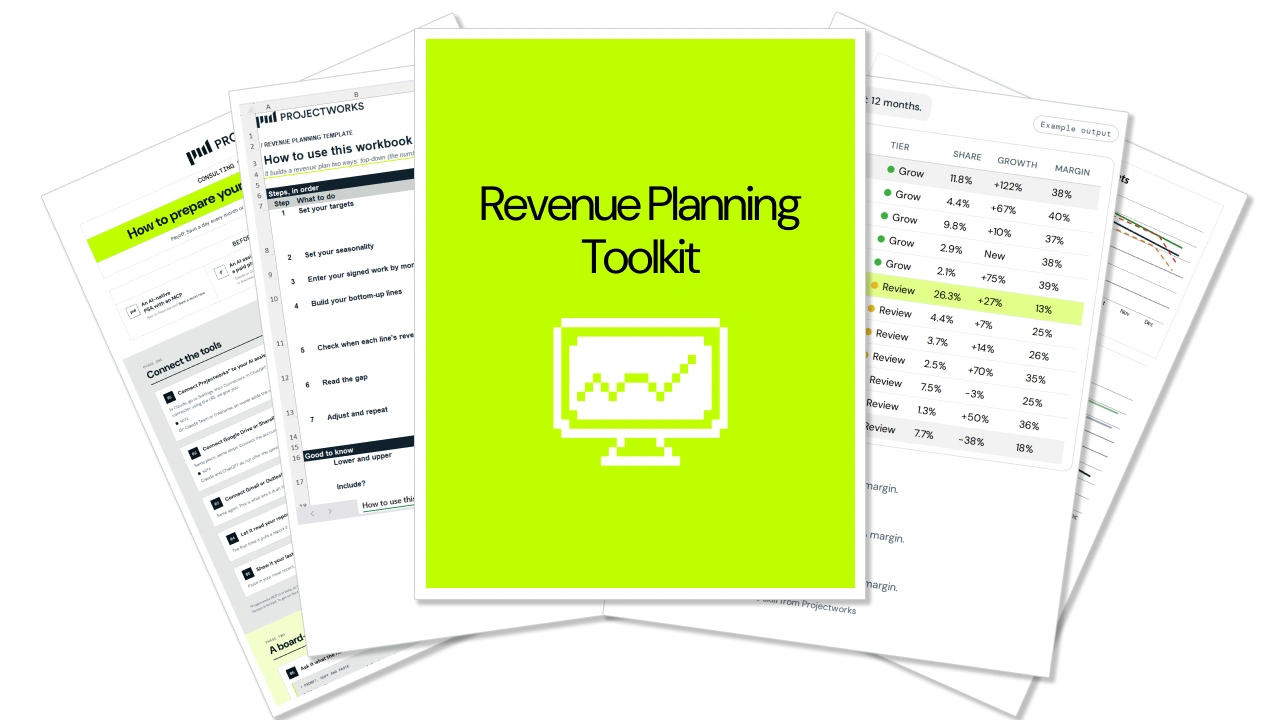
What's inside the free 2027 Revenue Planning Toolkit bundle?
Six tools, one for each step of a 2027 revenue plan. Each has its own setup guide, linked below.
How to Build a Revenue Plan for a Consulting Firm (Free 2027 Toolkit)
Build a revenue plan for your consulting firm with Six free tools, used in order. Each one answers a single planning question and hands its answer to the next, from which clients to chase in 2027 to how many proposals you need each quarter to get there.
Don't know your win rate? The Pipeline Target Calculator inside the bundle suggests a starting point and labels it as an assumption.
Step-by-step revenue planning for consulting firms
Most firms set next year's number in a partner meeting and skip the bottom-up, because it's slower and the answer is usually smaller. This toolkit builds the two separately so neither sways the other, then reconciles them. The 2027 Planning Bootcamp covers the method in Part 1: Revenue.
Step 1. Find out which clients made you money in 2026
A bottom-up plan starts with the clients you already have, for a reason the numbers make plain.
The Ideal Client Finder ranks every client you billed in the last 12 months on revenue, margin and growth, and sorts them into Grow, Review and Caution. It flags client concentration risk, such as any client over 25% of your revenue, and ends with a description of your ideal client. Those are the segments you back in step 2.
Step 2. Set a floor and a ceiling, then find the gap
In the Revenue Plan Template, enter a target you're confident of and one for a good year. Then build the bottom-up from renewals, expansion and up to five new-client segments. The workbook shows the gap between each target and your pipeline, in total and month by month. If the numbers don't meet, turn the dials on a few lines first. If they still don't, take the top-down back to your board.
Read the gap as a confidence test. Mark Orttung, our CEO, calls the revenue you can't yet tie to a named client or deal the go-get. Under 10% of the goal deserves real confidence, 10 to 20% is medium, and over 20% should worry you.
Release extra spend only as the quarters track toward the ceiling.
Step 3. Turn the gap into quarterly pipeline targets
The work you need to win is bigger than the gap, because late-year wins mostly deliver the following year.
The Pipeline Target Calculator works this out from your project lengths and start times, then sets quarterly targets for work to win, deals, proposals and pipeline. No win rate? It suggests the 47% professional services average from Projectworks research and labels it an assumption. For coverage by deal stage, read how much pipeline coverage a consulting firm needs.
Step 4. Write the proposals that win the work
Every proposal on that quarterly target still has to be written. The Consulting Proposal Template gives you a head start on each one. It's eleven pages in Word and PDF, from cover letter to signature block, with sample copy, a 12-week timeline, a fee table by phase and eight starter key terms. Write the executive summary last, once discovery has given you the client's words and numbers.
Step 5. Pay the person who has to win it
A commission plan that only pays for new logos teaches your sales person to stop growing existing accounts. Mark's view is that around 70% farming to 30% hunting is healthy, and the Sales Incentive Plan Calculator starts from a 30% new-client default. Answer five questions and you get a one-page plan that pays on account growth and account margin equally, with no cap, at about 2% of the revenue the sales person manages on target. The reasoning is in how to structure a sales incentive plan.
Step 6. Report progress against the plan each quarter
Each quarter, check whether the go-get is shrinking. Dominique Rennell, our CCO, looks for about half of it to be filled by mid-year. The Prepare Your Board Finance Update With AI cheat sheet shows you how to have Claude or ChatGPT draft the update from your utilization, margin, pipeline and cash numbers, then check every figure before it reaches the board. It assumes those numbers come from PSA software, but the prompting and checking steps work from spreadsheets too.
How do you keep a revenue plan current through the year?
These six tools will get you a plan you can defend, and you don't need Projectworks to use any of them.
But they only know the numbers you type in. When a deal closes late or a project starts later than planned, the plan won’t change unless someone updates it by hand.
Each quarterly check then means rebuilding where the pipeline stands, what's signed and what each client is earning you, by hand. In most firms those numbers sit in a CRM, the accounting system and a spreadsheet someone in finance maintains.
In Projectworks they sit together. CRM and Proposals tracks deals by stage and turns a won deal into a project with its budget already in place. Reporting shows current and projected revenue and margin by client, project or person, so the quarterly check reads the numbers instead of rebuilding them.
The plan also has to reach delivery. The work you need to win becomes the work your team has to staff, which is the subject of 2027 Planning Bootcamp Part 2.
FAQs


Explore similar resources from Projectworks
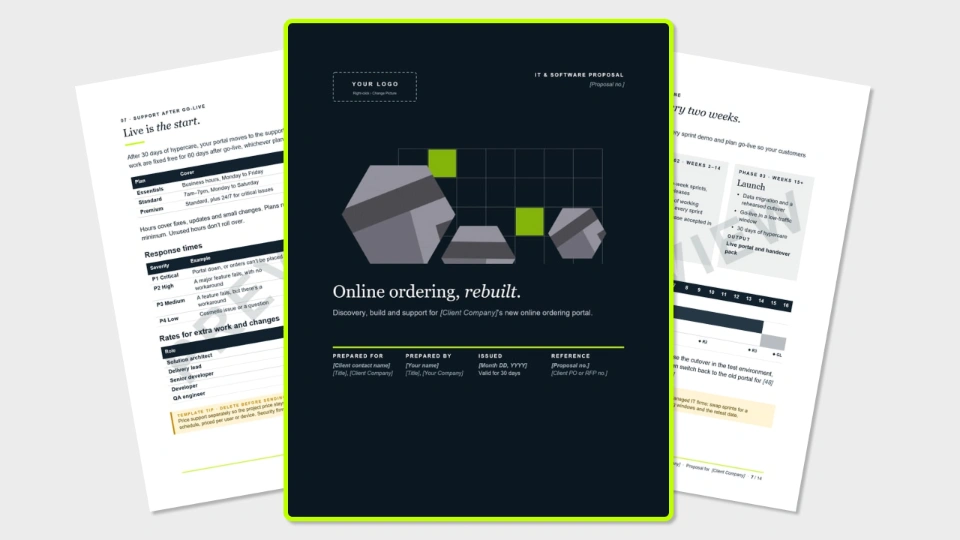
A 13-page software proposal template for IT and software services firms, covering requirements, security, delivery, support plans and milestone pricing. Free in Word and PDF. Instant download.
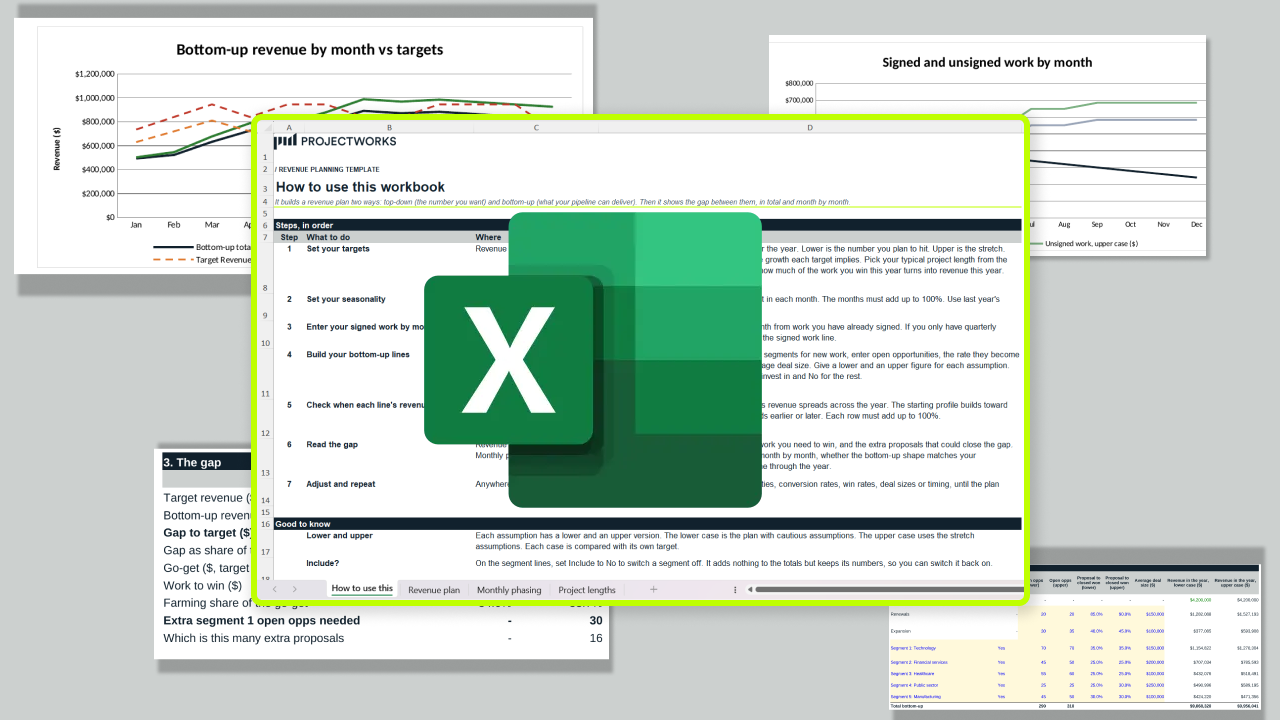
A free revenue plan template that sets your target against what your pipeline can actually deliver, then shows the gap in total and month by month. One Excel workbook, four tabs, seven steps.
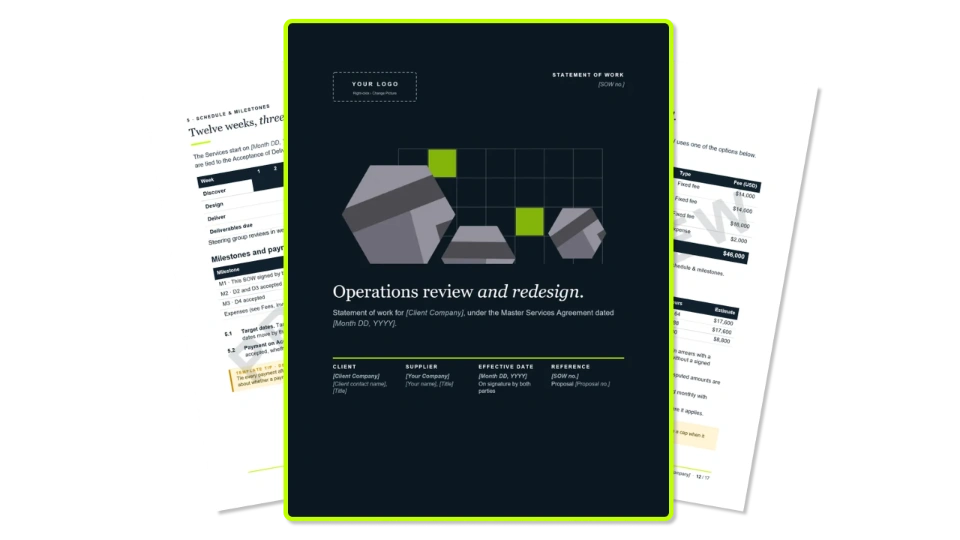
A 16-page statement of work template for consulting firms, with testable acceptance criteria, change control and a change request form. Free in Word and PDF.