
Log time accurately by connecting Projectworks and Google Calendar
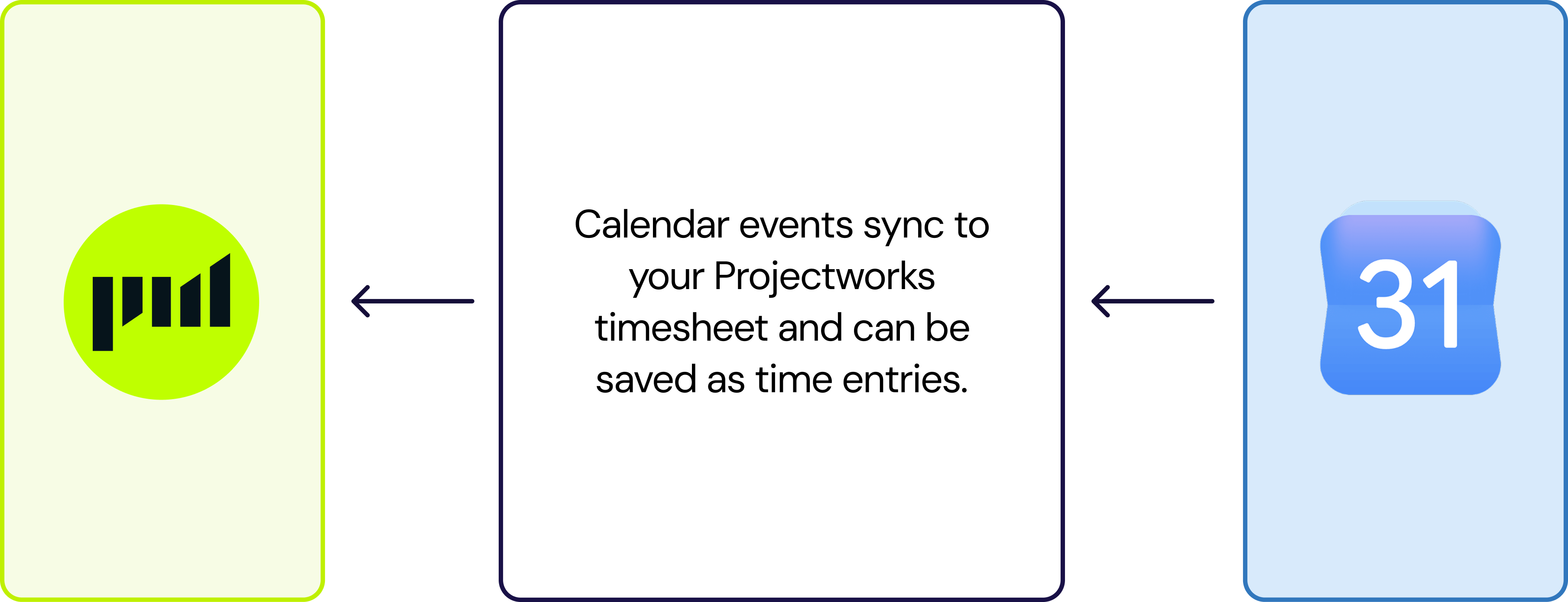
Google Calendar events sync directly to your Projectworks timesheet, increasing your accuracy and making timesheet approval easier.
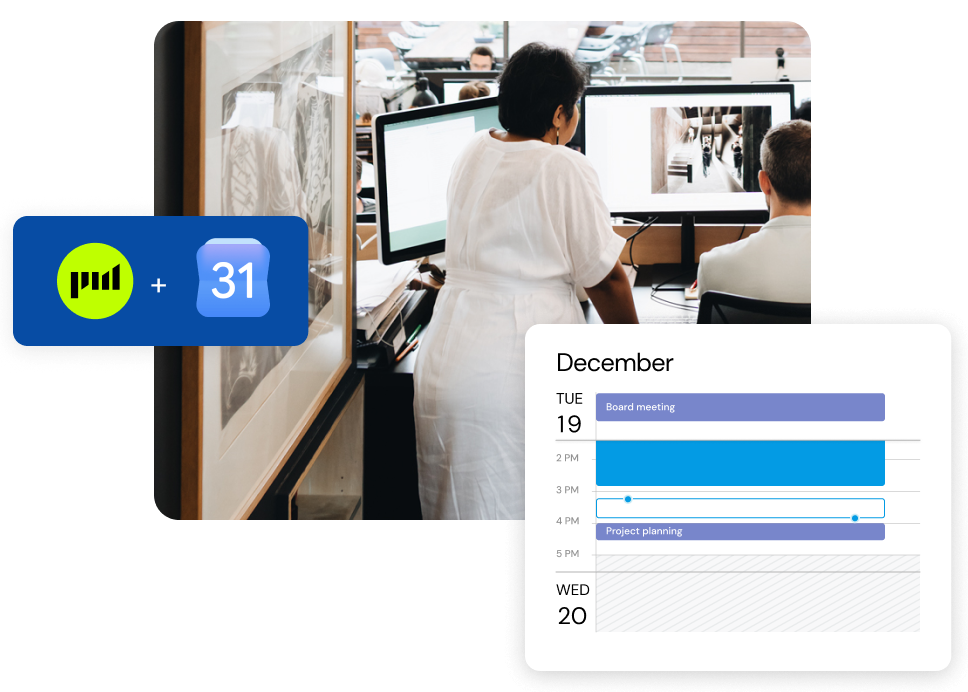

Track time across multiple projects
Seeing your calendar events in your timesheet is especially helpful if you work on multiple projects at the same time, or if you're working on one main project with other meetings scattered throughout.

Assign calendar events to timecodes
Projectworks' Google calendar integration allows you to see your calendar events in your timesheet, and easily assign them to your timecodes - automatically populating the Time Entry duration and comment.

Total control over what you bill
No two clients are the same, and some need more granular invoices than others. You can merge multiple calendar events into a single Time Entry for each day, or add each calendar event as an individual Time Entry.
See how the Projectworks and Google Calendar integration works
Available on the SCALE plan, our new Projectworks Google Calendar integration allows you to see your calendar events in your Projectworks timesheet, so that it’s easier to recollect what you have been working on in any given day.
Creating Time Entries from calendar events makes timesheets more accurate, reduces the number of timesheets that require editing once they have been submitted, and makes timesheet approval easier.
Explore the full integration details in our knowledge base article.
IN THE WORDS OF PROJECTWORKS CUSTOMERS ACROSS THE GLOBE

“All our team report how much easier Projectworks is to use to record time, see project budgets and for forecasting.”

“It enables both billable and non-billable time tracking. This flexibility makes it easy to design complex project structures without any hassle.”
“One standout feature is the ability to track time, expenses, and profitability across clients and projects with ease.”

New to Projectworks?
Projectworks is a platform designed specifically to help increase visibility, improve margins, and set up your professional services business for scale. Start a free trial today and we’ll be in touch.
New to Google Calendar?
Google Calendar is part of the Google Workspace, helping you stay on top of your plans - at home, at work and everywhere in between.