Free IT & Software Proposal Template (Word + PDF)
A 13-page software proposal template for IT and software services firms, covering requirements, security, delivery, support plans and milestone pricing. Free in Word and PDF. Instant download.
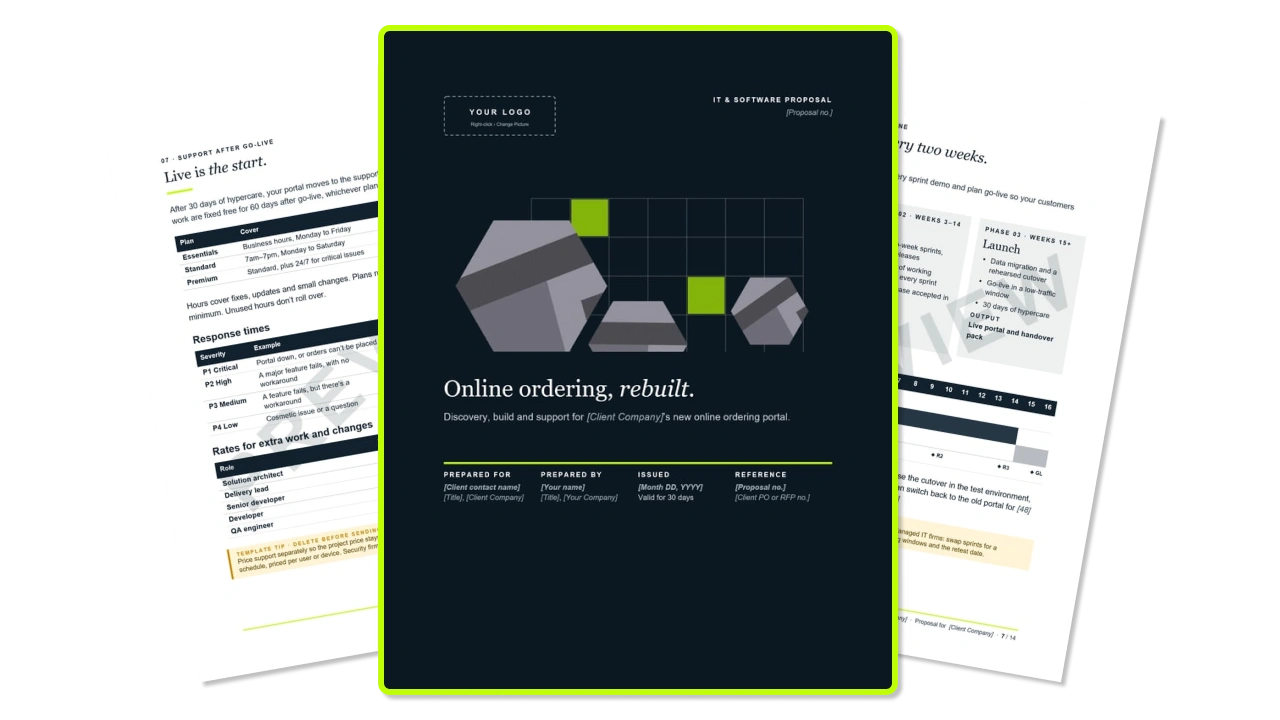
What's inside the free IT and software proposal template?
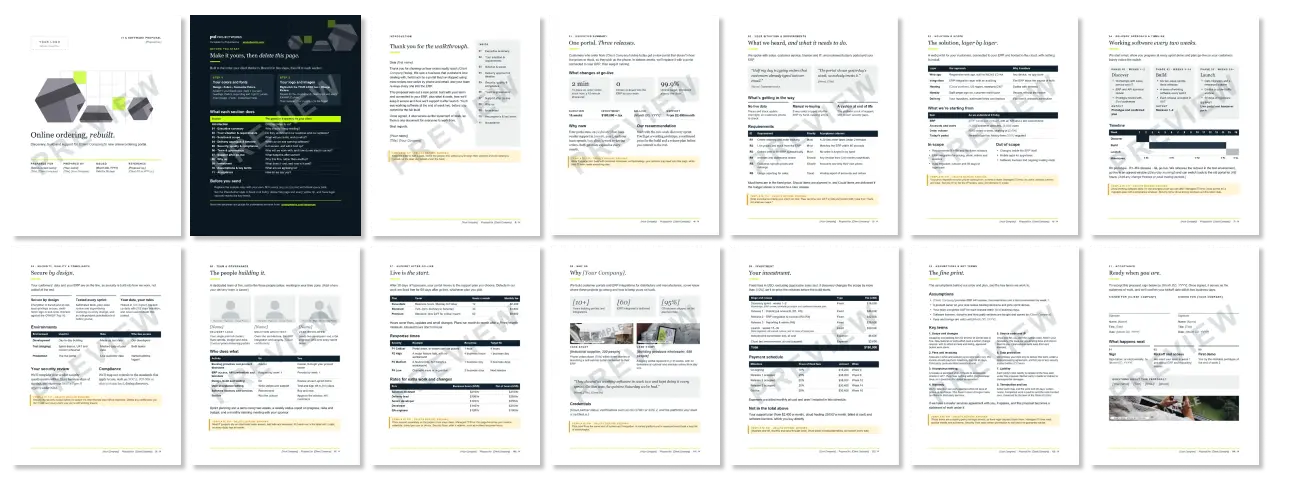
Customizable white-label IT proposal template for your brand
The colors and fonts are Word theme settings. Pick your own under Design › Colors and Design › Fonts and every page restyles at once.
- Accent 1 is your brand color
- Dark 1 is text and headings
- Dark 2 is supporting text
- Light 2 is the panel color
What else is included with this IT and software proposal template?
- A cover letter with a contents list, and a key-facts strip on the summary page
- A yellow template tip on every section, to delete before you send
- Realistic sample copy and example figures, so you’re editing, not staring at a blank page
- Requirements with IDs, Must/Should/Could priorities and a testable acceptance criterion for each
- A "What we're starting from" table for the client's systems, users and volumes, plus in-scope and out-of-scope lists
- A three-phase plan and a 16-week timeline with release milestones
- Security commitments, an environments table and space for the client's security review
- Three team lead profiles and a who-does-what table for both sides
- Three monthly support plans, P1 to P4 response times and an hourly rate card
- A fee table by release, a milestone payment schedule, five assumptions and eight starter key terms
- A two-party signature block
- Example stock photos to swap for your own
How to use this IT and software proposal template
The executive summary sits at the front of a proposal, but you write it last, once discovery has given you the client’s words and the numbers. Work through the sections in this order.
- Your colors and fonts. Set them under Design › Colors and Design › Fonts before you start writing.
- Your logo and images. Replace the logo, cover artwork, team icons and every EXAMPLE photo with your own images or stock photography.
- Your situation & requirements. Write acceptance criteria the client can test, like "a 20-line order takes under 2 minutes". They become your UAT scripts.
- Solution & scope. Fill in "What we're starting from" carefully. Your price depends on it.
- Delivery approach & timeline. Plan to show working software early.
- Security, quality & compliance. Delete any certification you don't hold yet.
- Team & governance. Date every client-side task. Access, test data and decisions are where IT projects slip.
- Support after go-live. Promise only response times your team can meet.
- Why us. Use a case study on the same kind of system, with a named platform and a measured result.
- Investment. Keep one-off, monthly and pass-through costs apart. Word doesn't recalculate tables, so recheck every total.
- Assumptions & key terms. List the client dependencies your price rests on, like API access and UAT turnaround.
- Acceptance. Set a sign-by date inside the 30-day validity on the cover.
- Executive summary and introduction. Lead with business outcomes, and keep the letter to half a page.
- Clean up. Delete the How to use page and the yellow tips, set the Placeholder style to black, not italic, and search for "[" to catch missed fields.
How to send your proposal
(and get it signed)
Once every section is filled in, these steps take you from a finished Word file to a signed proposal.
- Save a client copy. Use File › Save As with a name like “Acme Co - Software Proposal - v1.docx”, and keep the blank template separate.
- Check it.
- The total and the support price in the executive summary match the Investment and Support pages.
- The release weeks in the timeline match the weeks in the payment schedule.
- The requirement IDs listed against each release on the Investment page match the requirements table.
- The 30-day validity on the cover, the “valid until” date in the assumptions and the sign-by date all agree.
- Your company and client names are filled in in the footer.
- Run Inspect Document (File › Info › Check for Issues) to strip comments and tracked changes.
- Search for “[” to find missed placeholders, and look for any remaining EXAMPLE photos.
- Remove comments and tracked changes under File › Info › Check for Issues › Inspect Document.
- Save as PDF. Use File › Save As › PDF, then check that the timeline and the wide tables, like the rate card and response times, haven’t shifted.
- Book a walkthrough. Walk both readers through it. The sponsor may read only the summary and price, while their IT team reads everything else, so give the IT lead a separate session on solution, security and support. Ask for their security questionnaire in that session, since the security review is often the last step before signature.
- Send the PDF with a short email.
- Follow up. Check in two business days after sending, and again a week before the sign-by date.
- Get it signed. Use an e-signature tool, have the client sign in their PDF reader (Adobe Acrobat Reader’s Fill & Sign works).
- Countersign and kick off. Sign your own block, send both parties the final signed PDF, and file it with the client record. Then confirm the kickoff date within two business days, as the Acceptance page promises.
Writing a software proposal every month?
Once it's branded, the Word file will serve you for a long time. The cost shows up after signature, when a proposal priced by release has to become a budget your delivery lead can track against each release. It’s often the senior people who wrote the proposal doing that copying.
Projectworks CRM and Proposals keeps the proposal, the deal and the project budget on the same numbers, from discovery to the last release.
Free software proposal templates vs Projectworks Proposals
FAQs


Explore similar resources from Projectworks
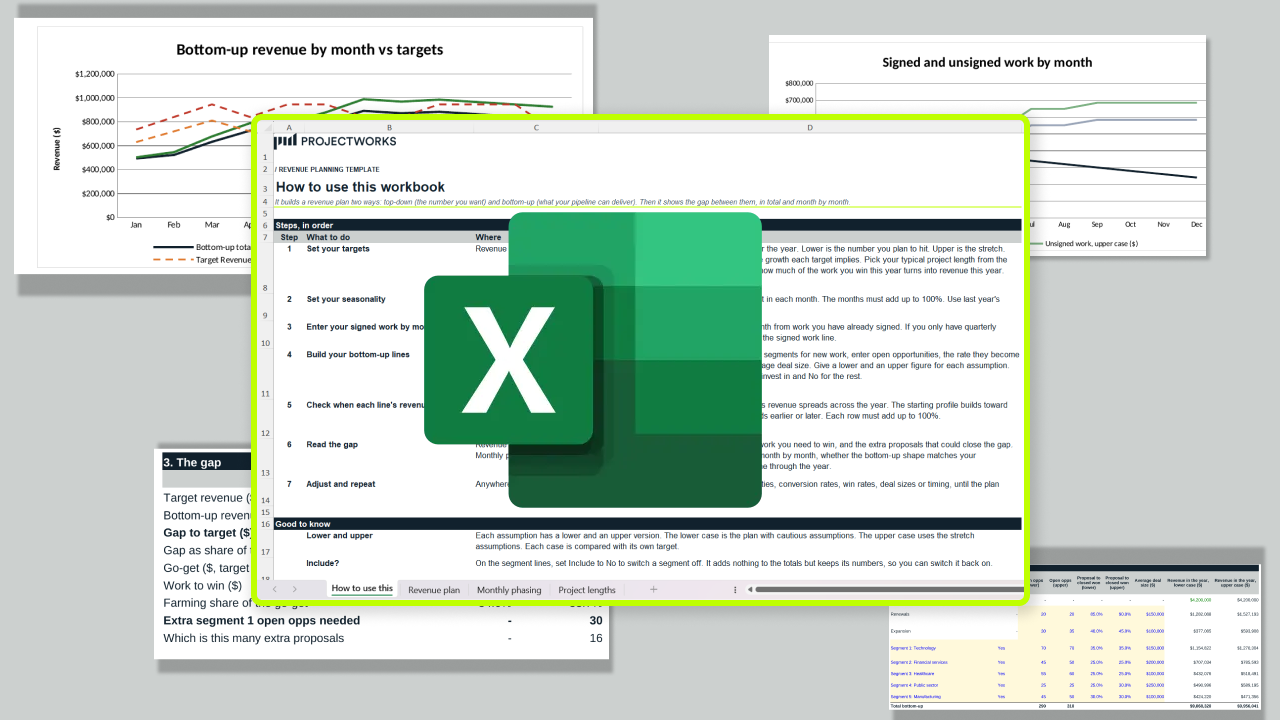
A free revenue plan template that sets your target against what your pipeline can actually deliver, then shows the gap in total and month by month. One Excel workbook, four tabs, seven steps.
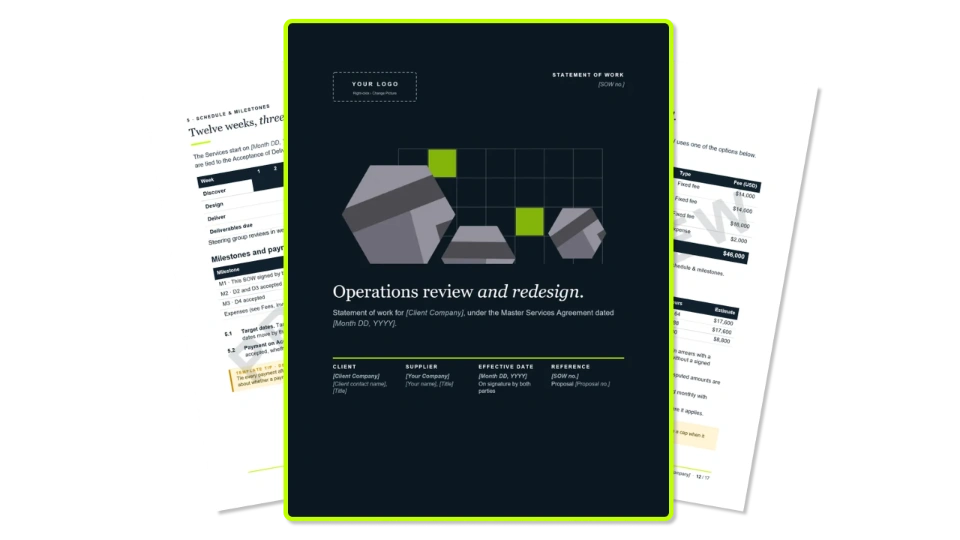
A 16-page statement of work template for consulting firms, with testable acceptance criteria, change control and a change request form. Free in Word and PDF.
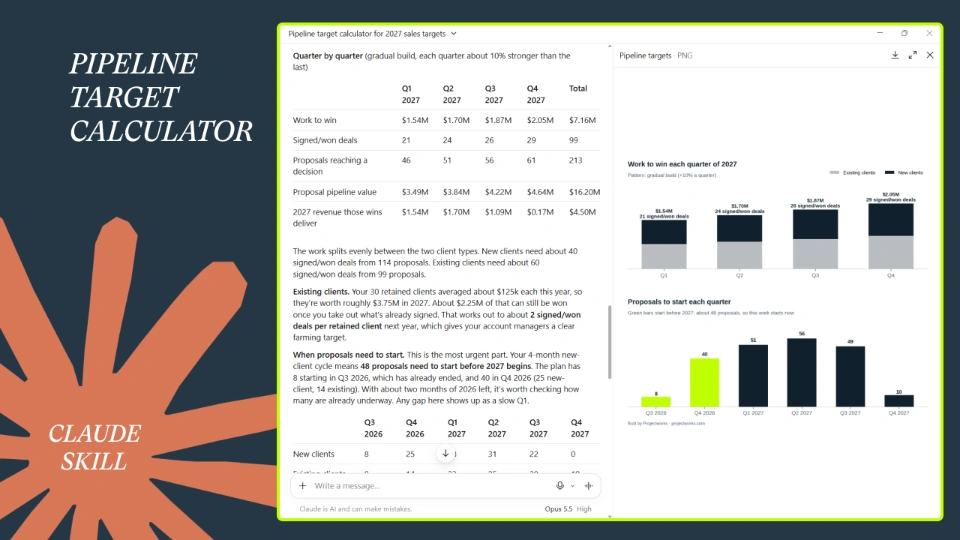
Turn your 2027 revenue goal into the proposals, pipeline and deals you need each quarter. Built for heads of sales, BD leads and founders who'd rather plan the year than guess at it.