Download our professional services ‘cheat sheet’ now
Download now
How to write a statement of work in eight steps, built backwards from delivery so the budget, resource plan and invoice schedule hold after signing.
Between 2023 and 2025, the average number of signed projects on the Projectworks platform rose 266%, while the average signed budget fell 56%. That means more statements of work, with less room for error in each one. Here's how to write a statement of work backwards from delivery, so your team can staff it and invoice against it before the client signs.
Key Takeaways
A statement of work should be priced against named people and their real availability.
Tying each payment in a statement of work to an accepted deliverable stops finished work going unbilled.
A statement of work needs a delivery review and a finance review before it’s sent, because each catches different risks.
Software and IT statements of work suit hybrid pricing, fixed where scope is clear and time-based where it isn’t.
A project’s budget, resource plan and invoice schedule should come straight from the signed statement of work, not be retyped.
What you need before you start
Start with the accepted consulting proposal, meaning the version the client agreed to after the last round of questions, which is rarely the one you first sent. Alongside it you want a working estimate of effort by role, because the SOW is where that estimate turns into dates and a price.
If the client has signed a master services agreement with your firm, have that open too, because part of what a statement of work is for is covering only what the MSA doesn't.
Projectworks CCO Dominique Rennell summed up the commercial pressure behind those smaller budgets on the Projectworks Podcast.
“We’re quoting on more deals at a lower value — every proposal should count more than ever before.”
If every proposal has to count, so does the document that turns it into work someone has to deliver and invoices someone has to raise.
How do you write a statement of work? Section by section
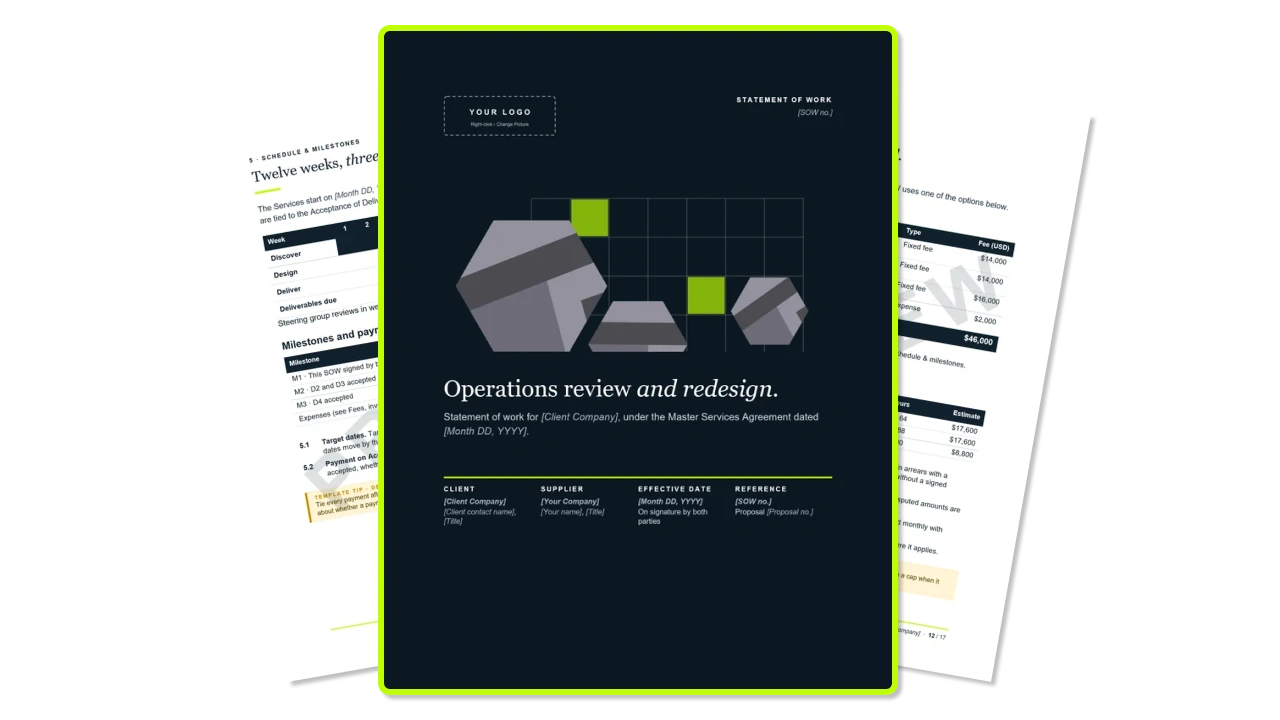
The sections below follow the order of our free SOW template for consulting firms, which runs in the order the work does, so the fees get written against a delivery plan that already exists.
Free template
Statement of work template for professional services firms
Start your next engagement from a structured SOW instead of a blank page.
The overview sets out what the engagement is for and which documents govern it.
Name the accepted proposal by its reference number and acceptance date, and state that the SOW applies wherever the two differ. That settles which scope counts if the approach moved during negotiation.
Add two or three objectives, each with today's baseline and a target.
Define only the capitalized terms the document actually uses, and use each one the same way every time.
2. Scope of services
Scope sets the boundary that every later section of the SOW builds on.
Split the work into phases that each end in a named deliverable.
Write the out-of-scope list around the requests you expect to hear, such as data migration on a process project or support after handover.
3. Deliverables and acceptance criteria
Deliverables define what the client gets and how both sides will judge it.
Give each deliverable a format, a due week and three or four acceptance criteria.
Write each criterion so a reviewer can answer yes or no on the day the deliverable arrives. "Covers every site listed in scope" works.
Move anything that can only be judged months later, like a drop in rework rates, into the overview's objectives, where it guides the work without holding up payment.
4. Schedule and milestones
The schedule links each deliverable's acceptance to the payment it releases.
Hang each payment after signature on the acceptance of specific deliverables, especially the last one, so the final invoice exists in the contract whether or not anyone remembers to raise it.
“Say
you write a statement of work for $200k, but the
team finishes at $170k and never bills the last
$30k. That happens more than people think, and it
erodes your margin quietly.”
Roles and responsibilities show who does what on both sides of the engagement.
Name the people, not just the roles, and check each one against real availability before the price goes in.
If the person you priced is booked until March, the start date or the price has to move.
Resource planning with a live view of capacity by person makes that a short check.
On the client side, give every responsibility a deadline, such as data within five business days of a request, so a late input moves your dates instead of your margin.
6. Governance and reporting
Governance keeps both sides informed and gives problems a clear route upward.
Set a weekly check-in between your engagement lead and the client's project owner, plus a monthly steering group for direction and change requests.
Include fees invoiced to date in the weekly status report, so the sponsor never sees the budget for the first time in a dispute.
Write an escalation path with a named person and a response time at each level.
7. Acceptance process
The acceptance process sets how both sides agree that a deliverable is done.
Run every deliverable through the same cycle of submission, review, decision and rework, with an acceptance certificate that lists each criterion.
Cap the rework rounds so a deliverable can't be rejected indefinitely.
Add a deemed-acceptance clause that applies when a reminder goes unanswered.
Treat a deliverable the client puts into live use as accepted, since a report already running their month-end has clearly passed.
8. Change control
Change control prices and approves new requests before anyone starts work on them.
Name the approvers on each side with a dollar limit for each, so a project owner can sign off a small change and anything larger goes to the sponsor.
State that no changed work starts and nothing is charged until both sides have signed the change request. That rule does most of the work against scope creep.
9. Fees, invoicing and expenses
Fees and invoicing set what the work costs and when each amount gets paid.
Choose the commercial model before writing this section, and keep only one. Our How To Win More Work ebook recommends four models beyond straight hourly billing, which are performance-based or success fees, fixed fees tied to clear milestones, retainers for ongoing advisory access, and productized services with a transparent scope and price.
Take the figures straight from the accepted proposal, because every retyped number is a chance for the SOW to disagree with the budget your team delivers against.
For time and materials, add a not-to-exceed cap that only a signed change request can raise.
If the SOW mixes fixed-fee milestones and time-based work, check that your invoicing can bill both on one project.
10. Assumptions and dependencies
Assumptions and dependencies record what the price and the dates rely on.
Write each assumption as a pair, the condition and what happens to dates or fees if it fails, such as a five-day decision delay becoming a change request.
List dependencies neither side controls, like another vendor's system upgrade.
Agree that whoever spots a failing assumption tells the other side within two business days.
11. Term, precedence and authorization
The last section sets the term and precedence, then gets the SOW signed.
State when the SOW ends and how either side can end it early.
Set the order of precedence so the MSA wins unless the SOW names a clause it overrides, followed by the SOW and then the proposal.
If there's no MSA, the SOW needs its own terms on IP, confidentiality and liability, reviewed by a lawyer.
Confirm that each signatory can commit their organization, and get signatures before work starts, because hours logged against an unsigned SOW have no milestone to bill against.
Review it with delivery and finance before it goes out
Most SOWs get one review, from whoever owns the client relationship, and it mostly checks whether the client will sign, which leaves out the two people who'll live with the document afterward. A delivery lead reads a SOW as a plan and a finance lead reads it as a billing schedule, so each spots problems the other scrolls straight past. Send it to both before it goes to the client, with a short list to check against.
✅ Check
Owner
What it catches
Roles in the delivery plan match the roles in the estimate
Delivery
A price built on people the plan never uses
Each named role has capacity from the start date
Delivery
A start date the team can’t make
Every milestone has a written acceptance test
Delivery
Deliverables the client can keep reopening
Every invoice trigger maps to a milestone or an accepted deliverable
Finance
Billing that stalls because nobody can say what’s done
Each assumption is reflected in the price
Finance
Extra work you agreed to absorb without noticing
The change process names an approver and a pricing method
Delivery and Finance
Changed work that starts before anyone agrees a price
Owner is the reviewer who signs off each check.
Writing a statement of work for IT and software projects
For software services firms, the SOW changes in four places. Sprint-based work needs a named backlog owner on the client side and a cap on the sprints the price covers. Pricing usually ends up mixed, and in The Growth Blueprint, Projectworks observed that most US software buyers in 2025 paid by milestone.
Its guidance is simple.
Use a fixed fee where the scope is clear and repeatable. Use time-based pricing where it is not.
Environments and access need their own section, because a two-week wait for credentials burns a sprint you've already priced. Acceptance usually means user acceptance testing, followed by a hypercare period with a clear end date so support doesn't become an unpriced second phase.
After signature: turning the SOW into a live project
The budget, the resource plan and the invoice schedule should all come straight from the signed SOW. When each one gets retyped into a different system, they start drifting from the contract on day one, and nobody notices until an invoice doesn't match the milestone the client thinks it covers.
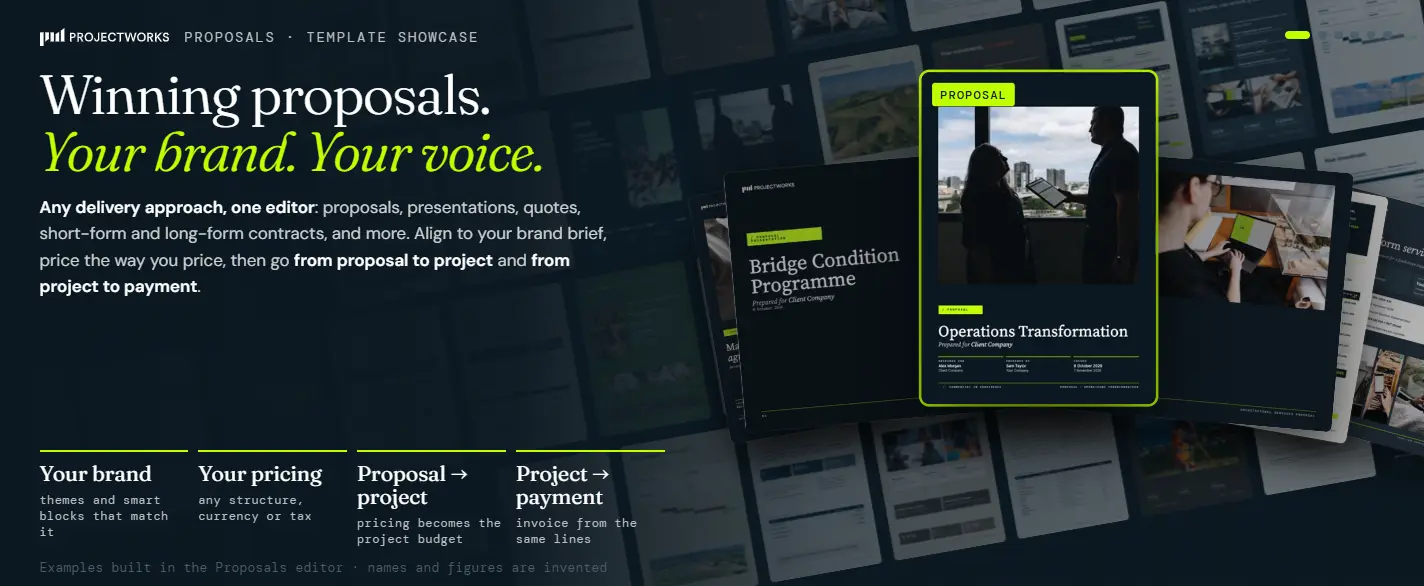
A template gets the SOW itself right, but it can't stop that drift. In Projectworks, proposals are created and priced on each deal in the Consulting CRM, so the proposal you priced and the project your team runs start from the same figures.
Stage
SOW template on its own
With Projectworks
Pricing the proposal
Priced in a separate document
Created and priced on the deal
Setting the project budget
Retyped from the proposal into the project system
The price you sold becomes the budget
Starting the project
Set up by hand after the win
The accepted proposal becomes the project in one step
Finding the signed SOW
Filed in a shared drive
Attached to the deal
See it in action
Bid faster and win more work with AI-powered proposals that understand your consulting firm.
Statements of work and scopes of work both get shortened to “SOW,” and because the scope usually sits inside the statement, teams end up treating them as one document. This post settles the statement of work vs scope of work question and shows where each one fits, so you know which one you’re signing.
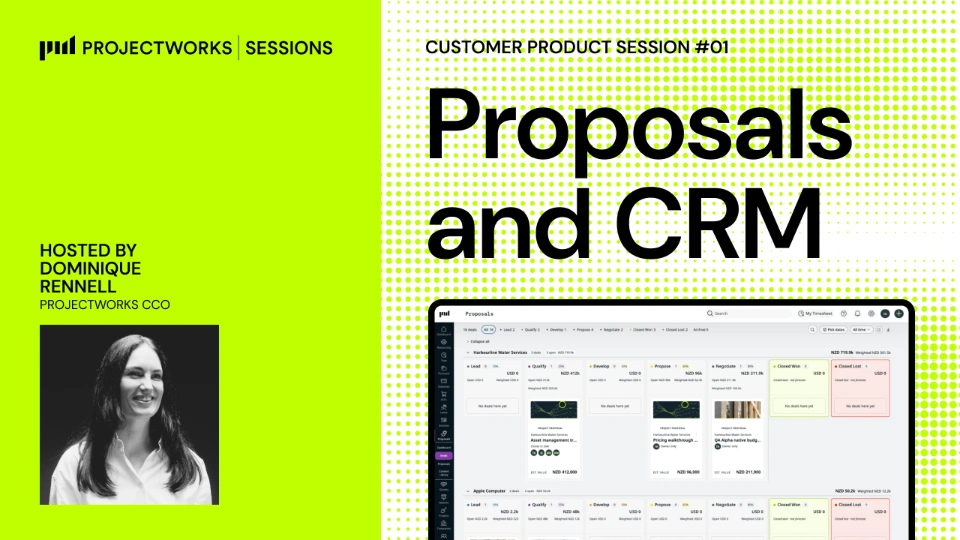
Dominique here, Chief Customer Officer at Projectworks. I'm really excited to be kicking off a brand new live series called Projectworks Sessions. Session #01 is all about Proposals and CRM: how to manage your pipeline, send proposals and hand won work over to delivery without leaving Projectworks. We’d love you to join us live. RSVP to save your spot.