Free Statement of Work (SOW) Template for Professional Services (Word + PDF)

A 16-page statement of work template for consulting firms, with testable acceptance criteria, change control and a change request form. Free in Word and PDF.
Download

Download the Free Statement of Work (SOW) Template for Professional Services (Word + PDF) for free today

By subscribing you agree with our Privacy Policy.
Thank you! Your submission has been received!
Oops! Something went wrong while submitting the form.

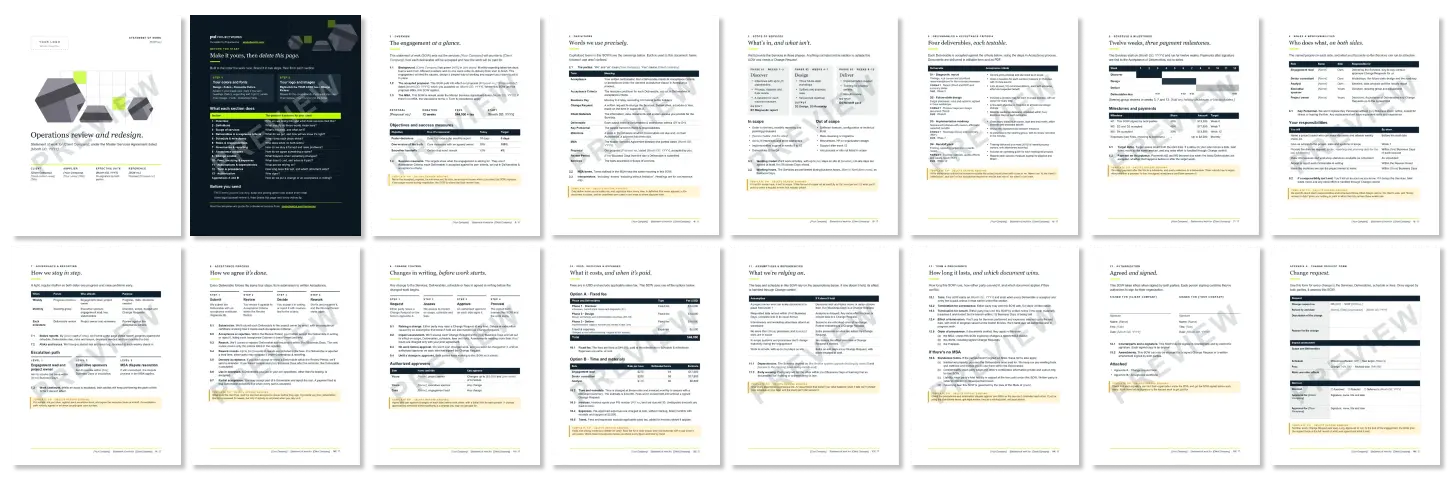
What's inside the SOW template?

Customizable white-label SOW template for your brand

The colors and fonts are Word theme settings. Pick your own under Design › Colors and Design › Fonts and every page restyles at once. There's no Projectworks logo in the SOW and the file's Author and Company properties are blank.

What else is included with this statement of work template?

  • Testable acceptance criteria for every deliverable
  • A complete acceptance process, with a review period, rework rounds, deemed acceptance and partial acceptance
  • Change control with named approvers and dollar limits
  • Fixed-fee and time-and-materials pricing, so you keep the one that fits
  • A milestone payment schedule tied to accepted deliverables
  • Client responsibilities with turnaround times
  • Order of precedence for working under an MSA, plus standalone terms if you don't have one
  • A change request form and a deliverable acceptance certificate
  • Clause numbers that update in Word when you add or delete a clause
  • A yellow template tip on every section, to delete before sending
  • Realistic sample copy on every page, so you're editing a finished SOW instead of staring at a blank one

How to use this free statement of work template

Every page already holds a finished sample, so you're editing rather than writing from scratch. Brand it first, then work through the sections in order.

  1. Make it yours. Apply your colors and fonts (Design › Colors and Design › Fonts), add your logo to the cover (right-click › Change Picture) and replace [Your Company] in the footer.
  2. Overview. Name the accepted proposal, its reference and date, and the MSA the SOW sits under.
  3. Definitions. Delete the terms you don't use, and capitalize the ones you keep.
  4. Scope of services. Write the out-of-scope list as carefully as the in-scope one.
  5. Deliverables and acceptance criteria. Write criteria someone outside the project could check with a yes or no.
  6. Schedule and milestones. Tie each payment after the first to a milestone, and each milestone to a deliverable.
  7. Roles and responsibilities. Give every client responsibility a real turnaround time.
  8. Acceptance and change control. Set the review period, rework rounds and approver limits, then walk the client through deemed acceptance.
  9. Fees. Keep one pricing option and check every figure by hand, since Word won't recalculate tables.
  10. Assumptions, term and precedence. Give every assumption a consequence, and have legal counsel check the SOW against your MSA.
  11. Clean up and sign. Delete the How to use page and the yellow tips, set the Placeholder style to black, and get both signatures before work starts.

Statement of Work Examples

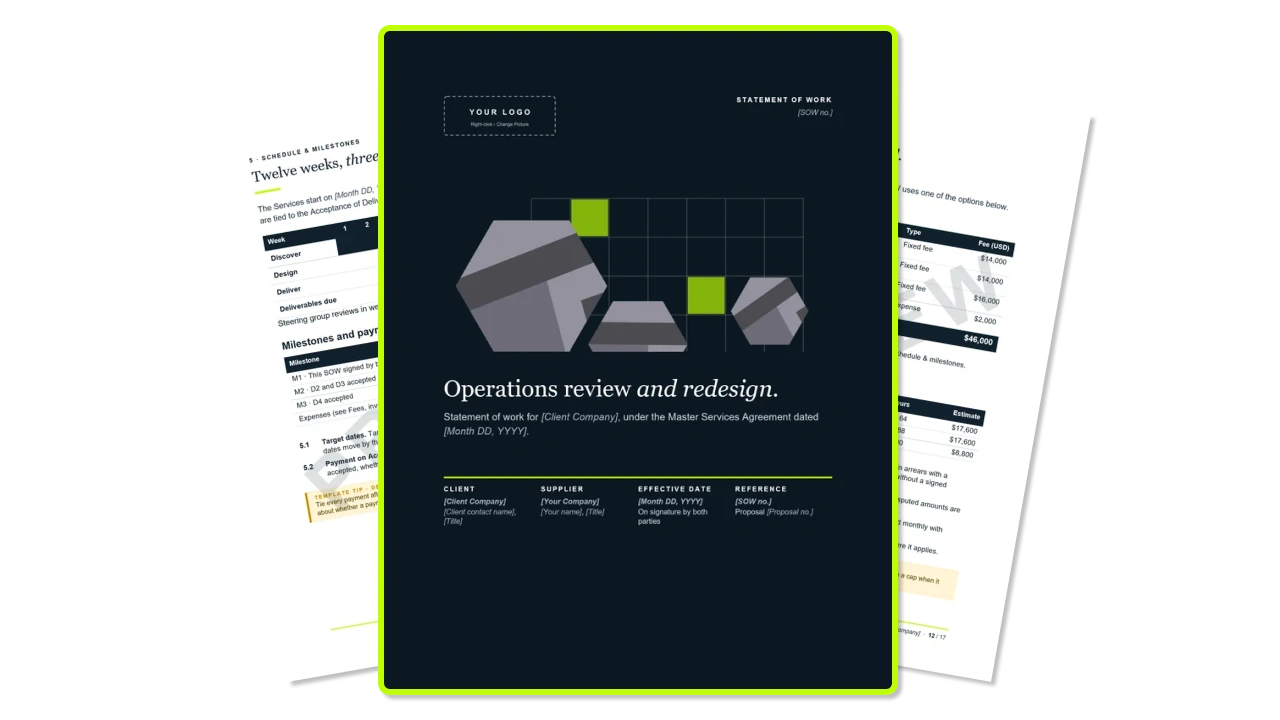
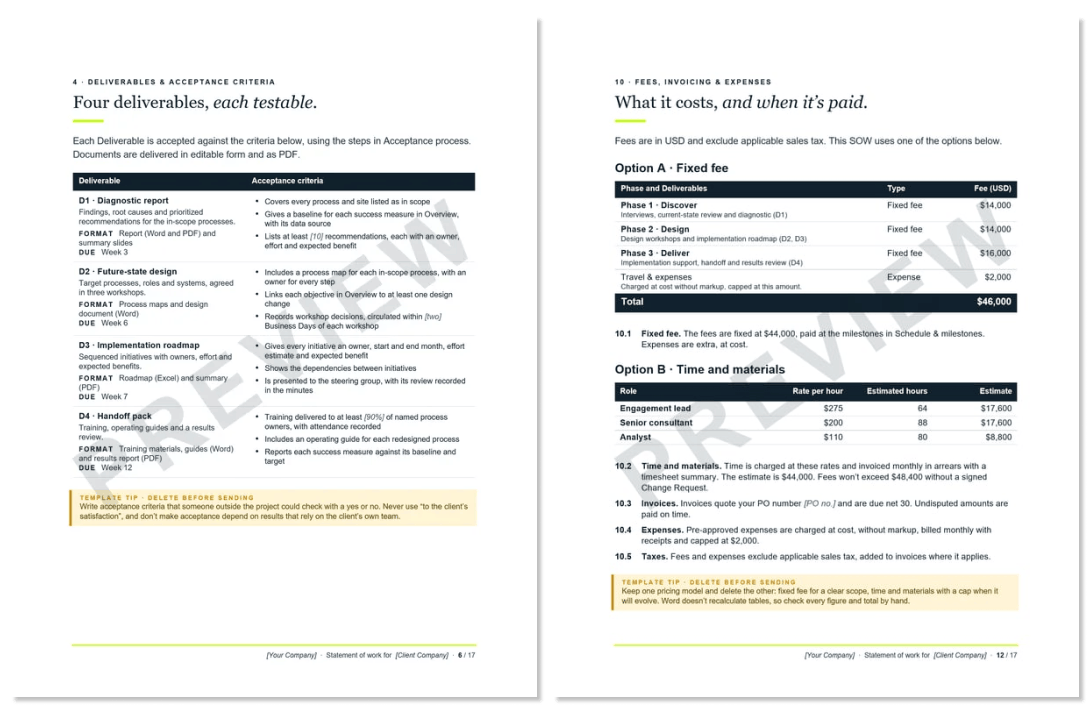
Every page is filled in with a complete sample SOW for a twelve-week operations review, so the template doubles as a statement of work example.
Statement of Work SOW Examples

How to send your SOW
(and get it signed)

The average professional services firm wins


47%

of the proposals it submits.

Get it signed with nobody surprised, then keep it working for the whole engagement.

  1. Save a client copy. Use File › Save As with a name like “Acme Co - SOW 2027 - v1.docx”. Keep the blank template separate.
  2. Check it.
    • Search for “[” to find missed placeholders, and look for any remaining EXAMPLE photos.
    • One pricing option kept
    • Re-add the fee and milestone tables, so the milestone payments sum to the fees
    • The proposal reference
    • MSA date and effective date
    • Review period and approver limits
    • Remove comments and tracked changes under File › Info › Check for Issues › Inspect Document.
  3. Save as PDF. Use File › Save As › PDF.
  4. Book a walkthrough of acceptance, change control and payments.
  5. Send the PDF, with a sample email that names the accepted proposal.
  6. Get it signed with an e-signature tool or Acrobat Reader’s Fill & Sign.
  7. Keep the paper trail. Number the change requests (CR-001, CR-002) and file an Appendix B certificate for each deliverable, since acceptance is what makes payments M2 and M3 due.

From proposal to project, without all the retyping

By your tenth engagement, the Word file isn't the slow part. Retyping the same scope, deliverables and fees from the proposal into the SOW, then into a project budget, then into invoices is.
Winning Proposals, Your Brand Your Voice

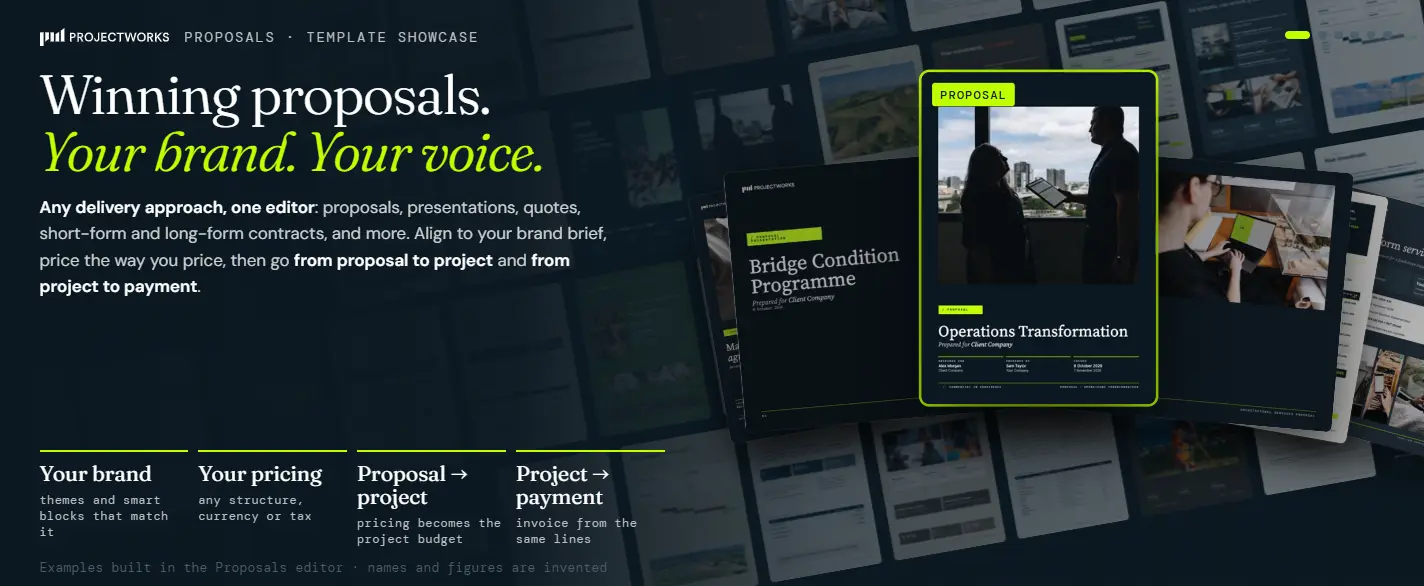
Projectworks CRM and Proposals keeps the deal, the proposal and the delivery in one place. Write and price proposals from your own library of reusable content blocks, and when the client accepts, create the project and its budget in one step. It's the same project your team staffs, tracks time against and invoices, so what you sold is what you deliver

Free consulting SOW templates vs Projectworks CRM & Proposal Templates

Task Word templates Projectworks
Reusing your best scope and deliverable wording Copy and paste from the last client’s files Pull approved sections from a shared library of content blocks
Pricing the work Retype the fees into every document Price with structured pricing built into the proposal
Tracking the deal A folder of files and a calendar reminder Every proposal sits on a deal in your pipeline, with its stage, value and close date
When they say yes Rebuild the budget in a new project Create the project and its budget from the accepted proposal in one step
Running the work Time, staffing and invoices in separate tools Time, resourcing and invoicing run on the same project

What you sold becomes what you deliver, and your pipeline, proposals and projects finally run on the same numbers.

See it in action

See how Projectworks Proposals works


FAQs

Who is this SOW template for?

It’s a consulting statement of work template, written for firms selling advisory work such as management, operations, strategy, finance and people consulting. Most free SOW templates are built for construction, software or contractor work, so this one is written as a statement of work for consulting services. If you’re scoping construction or software development, an industry-specific SOW will fit your client better.

What is a statement of work?

A statement of work (SOW) is a document both parties sign that defines the services, deliverables, acceptance, schedule, responsibilities and payment for one engagement. It usually sits under a master services agreement (MSA), which holds the legal terms that apply to every engagement with that client.

What should a statement of work include?

A statement of work should include an overview, definitions, scope (in and out), deliverables with acceptance criteria, schedule and milestones, roles and responsibilities, governance, an acceptance process, change control, fees and payment, assumptions, term and precedence, and signatures. This statement of work template covers all of them in 16 pages, plus a change request form and a deliverable acceptance certificate.

Is there a statement of work example I can see?

Yes. The template is filled in with a complete sample SOW for a twelve-week operations review, so the download is the example. It includes finished deliverables with acceptance criteria, fixed-fee and time-and-materials pricing, and a completed change request form.

What’s the difference between a statement of work and a proposal?

A proposal persuades the client to choose you, and a statement of work defines exactly what was agreed once they have. Our consulting proposal template and this SOW template use the same sample engagement, so you can see one become the other. Our guide to statements of work covers the handover in more detail.

What’s the difference between a statement of work and a scope of work?

A scope of work describes the work itself, meaning the tasks, deliverables and exclusions. A statement of work adds acceptance, change control, payment and signatures, and usually contains the scope as one of its sections.

Does a statement of work need an MSA?

No, although it usually sits under one, and this template’s order of precedence assumes it does. If you don’t have an MSA, the template includes standalone terms for intellectual property, confidentiality, liability and governing law. Review them with legal counsel before you rely on them.

What are acceptance criteria in an SOW?

Acceptance criteria are specific, testable conditions a deliverable must meet before the client accepts it, written so someone outside the project could check them. In this template, the diagnostic report must list at least 10 recommendations, each with an owner, effort and expected benefit. Either it does or it doesn’t.

What is deemed acceptance?

Deemed acceptance means a deliverable counts as accepted if the client doesn’t accept or reject it within the review period and after a reminder. In this template, that happens two business days after the reminder. Make sure the client has read the clause before they sign, because it only protects you if nobody is surprised by it.

How long should a statement of work be?

A statement of work should be long enough to cover every area listed above, and no longer. This template is 16 pages for a twelve-week engagement, including two appendix forms. Delete the sections you don’t need and the clause numbers update in Word.

Can I use this template in Google Docs?

Yes, the template opens in Google Docs through File › Open › Upload. The one-click rebrand under Design › Colors works only in the Word version of the statement of work template, so check the layout before you send from Google Docs.

Can I use it in Word for Mac?

The statement of work template is a standard Word .docx file. It uses Georgia and Arial, two system fonts that come with both Mac and Windows.

Is this statement of work legally binding?

A signed SOW is a contract, but the clauses in this template are a starting point, not legal advice. Have legal counsel review it against your MSA and your state’s law before you send it.

Is this template free?

Yes. It’s free to download and use, there’s no Projectworks branding inside the SOW, and you don’t need Projectworks to use it.

Can I use it outside the US?

Yes, with a few edits. It’s set up for the US (USD, sales tax, state governing law and US Letter), so change the currency, tax, jurisdiction and page size for your country.

Download

Download the Free Statement of Work (SOW) Template for Professional Services (Word + PDF) for free today

By subscribing you agree with our Privacy Policy.
Thank you! Your submission has been received!
Oops! Something went wrong while submitting the form.
Keep reading

Explore similar resources from Projectworks
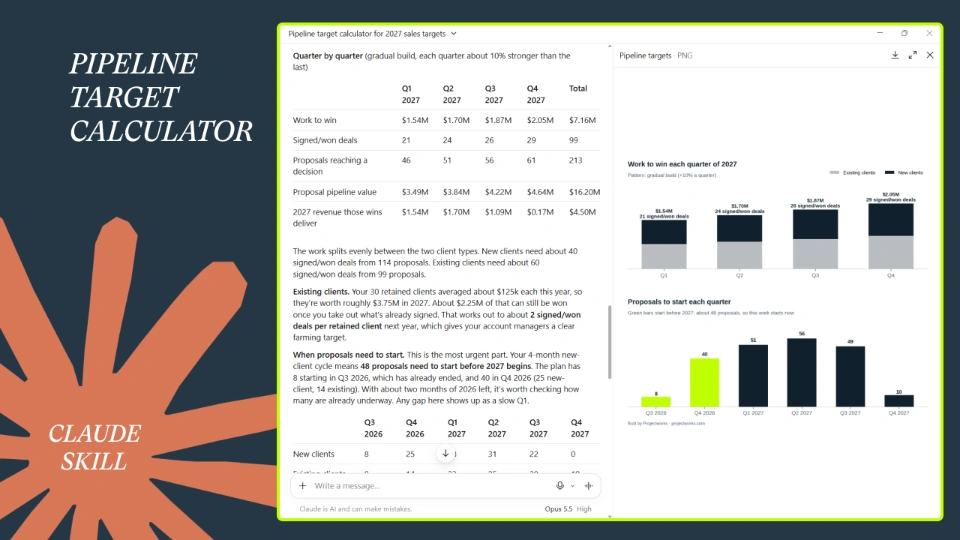
Free Pipeline Target Calculator AI (Claude Skill)
Downloads

Turn your 2027 revenue goal into the proposals, pipeline and deals you need each quarter. Built for heads of sales, BD leads and founders who'd rather plan the year than guess at it.
By
Ria Parish
October 30, 2026
Downloads
Tool

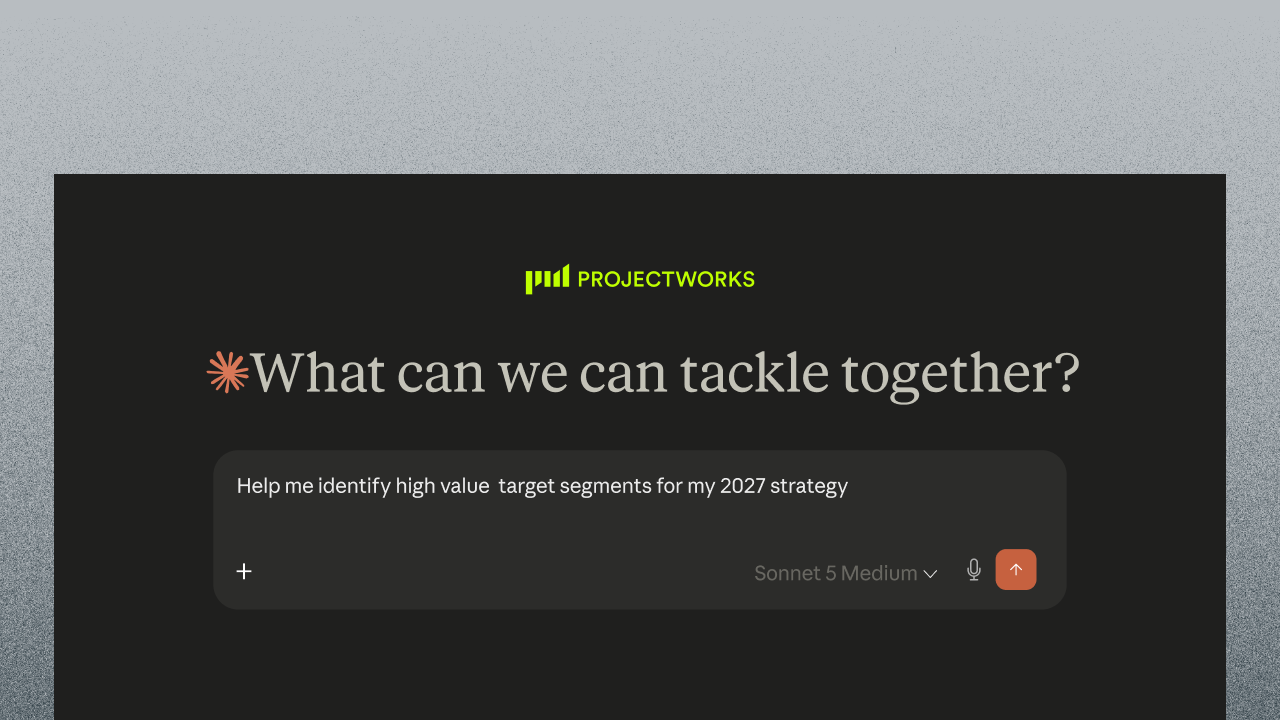
Find out which clients made you money last year and which ones to go after next. A free skill for Claude, with a report you can read and action in ten minutes.
By
Bernadette Keating
November 2, 2026
Tool
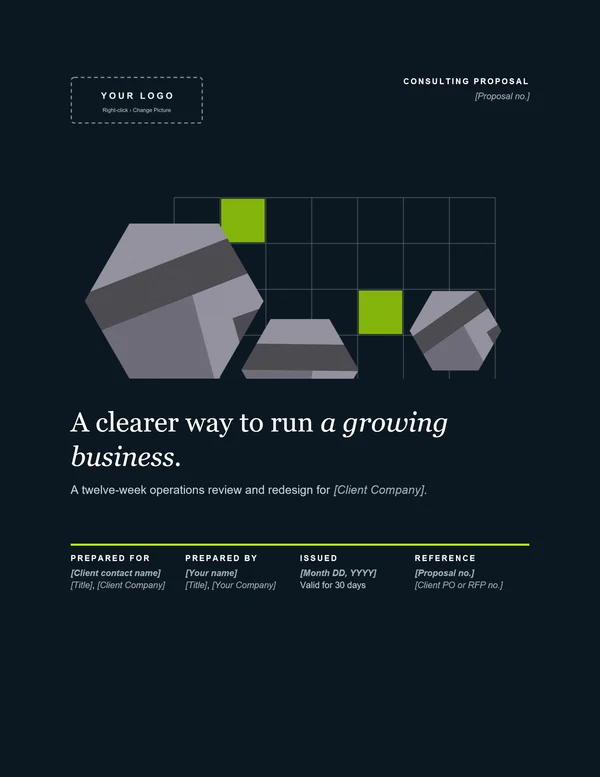
Free Consulting Proposal Template for Professional Services (Word + PDF)
Downloads

Eleven pages that walk your client from “here’s our problem” to “where do I sign.” Free in Word and PDF. Instant download.

November 2, 2026
Downloads
Ready for the next step?

Start a free trial and try Projectworks for yourself. No credit card needed, and you'll be up and running in no time.