Free Consulting Proposal Template for Professional Services (Word + PDF)
Eleven pages that walk your client from “here’s our problem” to “where do I sign.” Free in Word and PDF. Instant download.
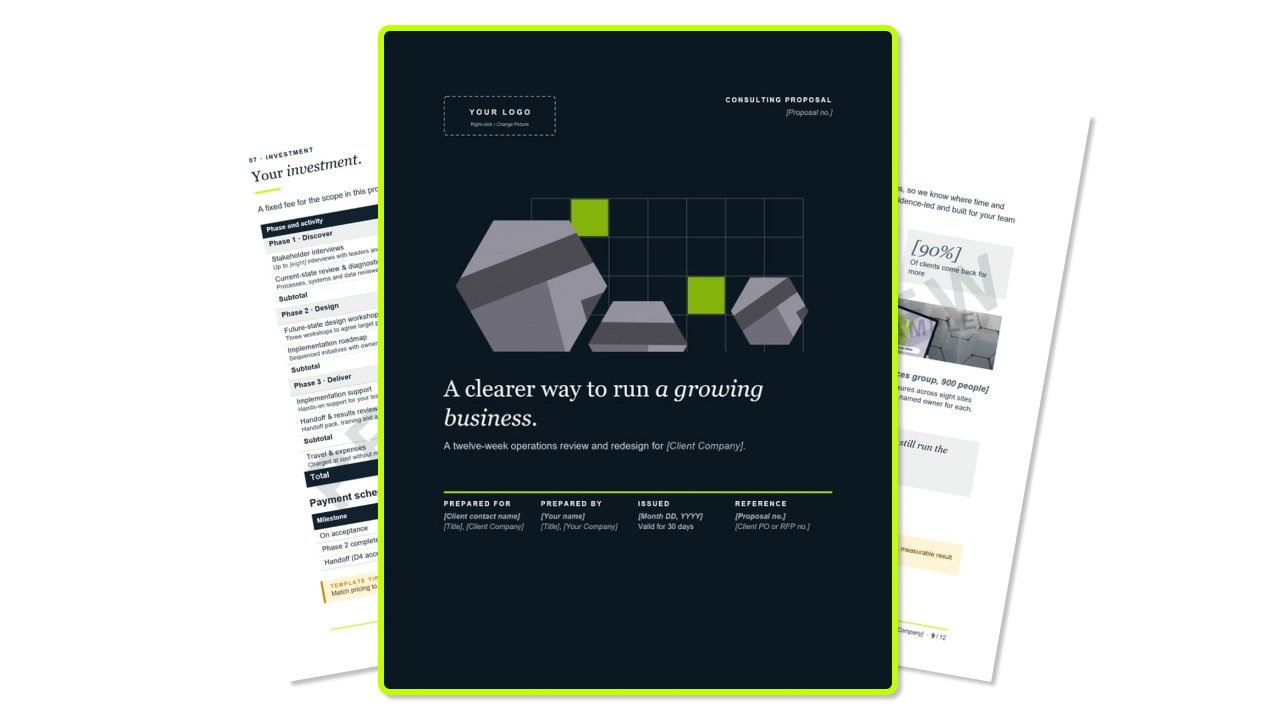
What's inside the free consulting proposal template?
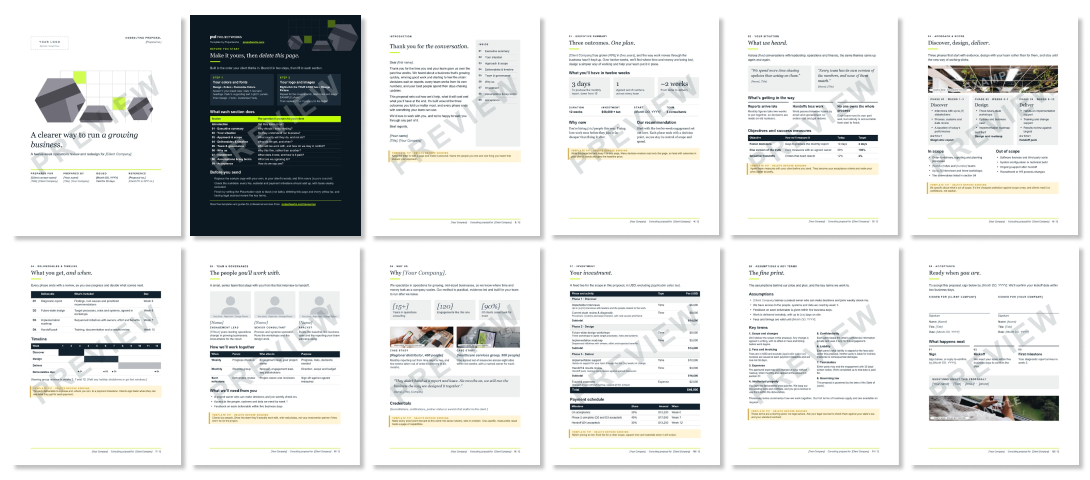
Customizable white-label proposal template for your brand
The colors and fonts are Word theme settings. Pick your own under Design › Colors and Design › Fonts and every page restyles at once. There’s no Projectworks logo anywhere in the proposal.
What else is included with this consulting proposal template?
- A cover letter page with a contents list
- A yellow template tip on every section, to delete before you send
- Realistic sample copy and example figures, so you’re editing, not staring at a blank page
- An objectives table that sets today’s numbers against the target
- A 12-week timeline chart
- A fee table by phase, with subtotals and a milestone payment schedule
- Five assumptions and eight starter key terms
- A two-party signature block
- Example stock photos to swap for your own
How to use this consulting proposal template
The executive summary sits at the front of a consulting proposal, but you write it last, once discovery has given you the client’s words and the numbers. Work through the sections in this order.
- Make it yours. Apply your colors and fonts, add your logo to the cover and swap the example photos (right-click › Change Picture).
- Your situation. Use the sponsor’s own words from discovery. Agree the success measures before you send, because they become your acceptance criteria.
- Approach and scope. List the interviews, workshops and site visits in each phase, then what’s out of scope.
- Deliverables and timeline. Name each deliverable and tie it to a phase and a payment. Shade the table cells to move the timeline bars.
- Team and governance. Show the people who’ll do the work, and set the meeting rhythm.
- Why us. Use one case study from a similar client, with a number.
- Investment. Choose a fixed fee, capped time and materials, or a retainer, and show fees by phase.
- Assumptions and key terms. Spell out what you need from the client, and have legal counsel review the terms.
- Acceptance. Set the sign-by date and who signs.
- Introduction and executive summary. Address the letter to the sponsor, then put the outcome, timeline and price on one page.
- Clean up. Delete the How to use page and the yellow tips, then set the Placeholder style to black, not italic.
How to send your proposal
(and get it signed)
Once every section is filled in, these steps take you from a finished Word file to a signed proposal.
- Save a client copy. Use File › Save As with a name like “Acme Co - Consulting Proposal - v1.docx”. Keep the blank template separate.
- Check it.
- Search for “[” to find missed placeholders, and look for any remaining EXAMPLE photos.
- Re-add the fee table, since Word won’t recalculate it.
- Make sure the validity, expiration and sign-by dates match.
- Remove comments and tracked changes under File › Info › Check for Issues › Inspect Document.
- Save as PDF. Use File › Save As › PDF, then check the tables and timeline haven’t shifted.
- Book a walkthrough. Invite the sponsor and project owner to a 30-minute call covering the executive summary, scope and investment.
- Send the PDF with a short email.
- Follow up. Check in two business days after sending, and again a week before the sign-by date.
- Get it signed. Use an e-signature tool, have the client sign in their PDF reader (Adobe Acrobat Reader’s Fill & Sign works), or accept a reply confirming acceptance if your terms allow it.
- Countersign and kick off. Sign your own block, send both parties the final signed PDF, and file it with the client record. Then confirm the kickoff date within two business days, as the Acceptance page promises.
Writing these every week?
By your fiftieth proposal, the Word file is the slow part: copying old sections, re-adding fee tables, chasing signatures and retyping the price into a project budget.
Projectworks Proposals puts proposals, pricing and delivery in one place, so every accepted proposal becomes a project with its budget ready to go.
Free consulting proposal templates vs Projectworks Proposals
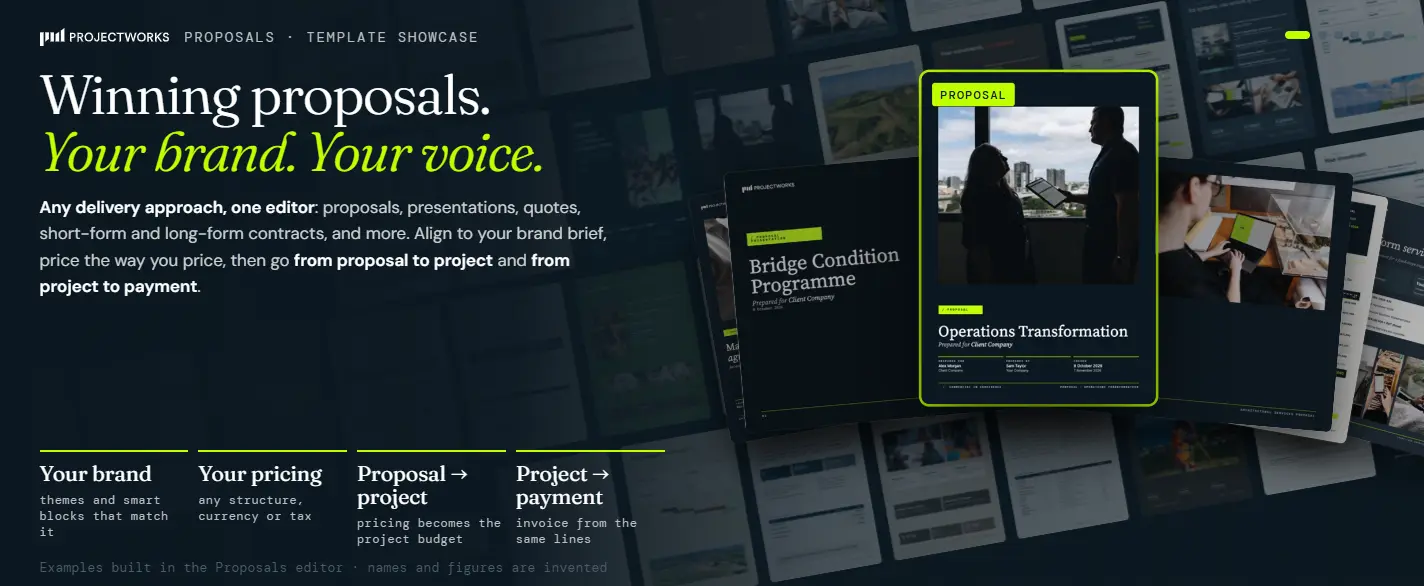
What you sold becomes what you deliver, and your pipeline, proposals and projects finally run on the same numbers.
FAQs


.svg)

Explore similar resources from Projectworks

The best consulting sales people win new clients and grow the ones you already have, at a margin worth keeping. Build a sales incentive plan that pays them for both. Answer five questions about your firm and the role, and the sales incentive plan calculator gives you a one-page plan with your numbers in it, ready to download. Built for consulting and professional services firms of 10 to 200 people.
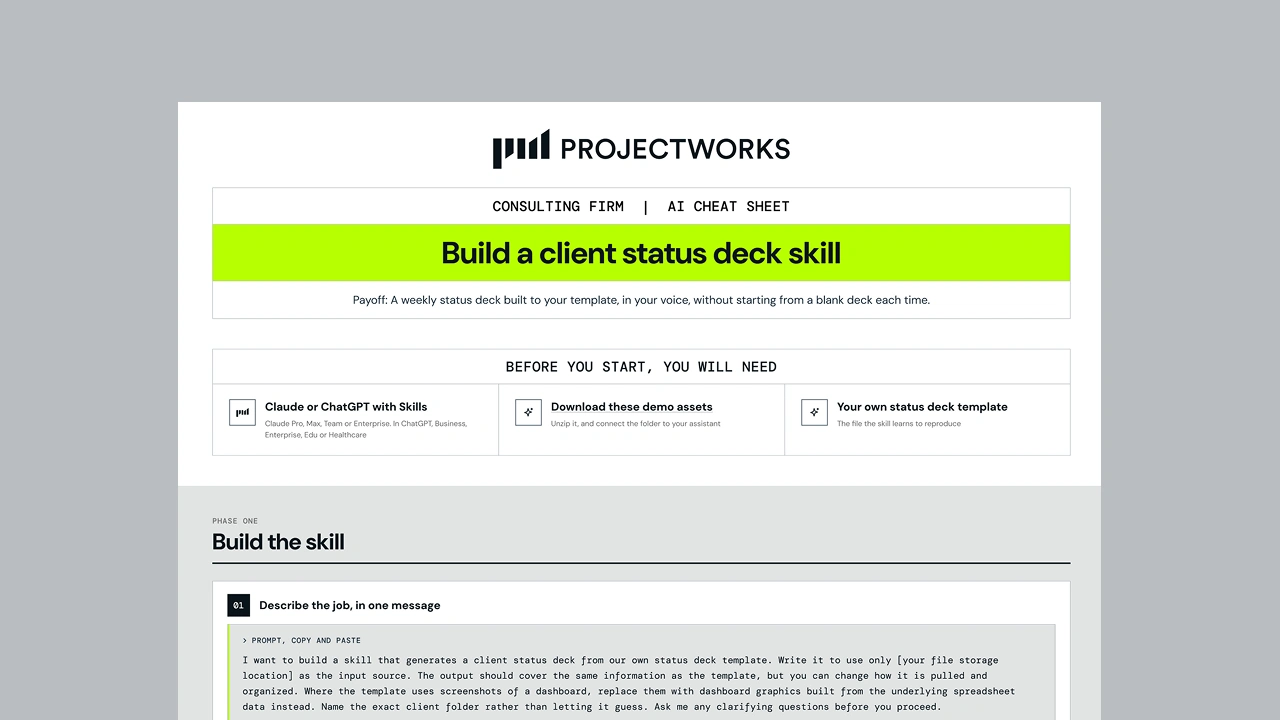
A step-by-step cheat sheet showing consulting firms how to build a Skill in Claude or ChatGPT that turns project data into a client status deck.
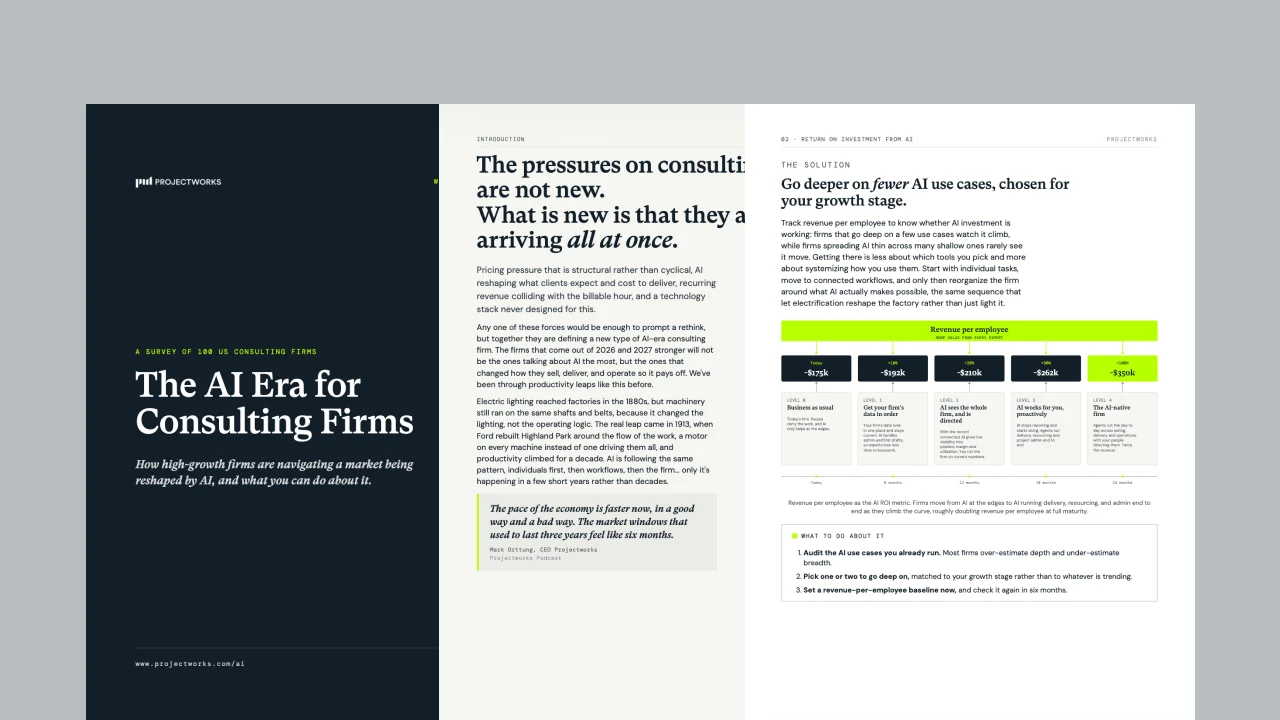
Based on a survey of 100 high-growth US consulting firms, this whitepaper breaks down how firms responding to the pricing, AI, and tech-stack pressures reshaping the industry right now. It covers the five places every firm needs to act, and what the firms pulling ahead are doing differently.