

Automate proposal creation without guessing at scope. A five-step workflow for consulting firms that drafts from CRM data and the actuals of past projects.
Over the last couple of years, we’ve seen a pattern emerge in Projectworks platform data, with consulting firms signing far more projects each year at steadily smaller budgets. Each hour spent building a fee proposal by hand is now set against less revenue.
The usual way to automate proposal creation is to connect the CRM to a template, so that a draft appears whenever a deal changes stage. For a consulting firm, that produces a cover page with the client's name on it. Partners spend their weekends on the sections that need data from past projects, and that data isn't in the CRM.
What does automating proposals from CRM data actually automate?
Automating proposals from CRM data means a proposal or SOW template that auto-populates with the deal's client, contacts, value and line items, usually when the deal reaches a set stage. What comes out is a document whose cover page and addressee are already filled in, ready for someone to write the rest.
How do you connect a CRM to a proposal template?
The CRM side of proposal automation follows the same workflow whether the firm runs HubSpot, Salesforce or another CRM.
Why your CRM holds only half of what a consulting proposal needs
What the CRM knows
A well-kept CRM is accurate about the relationship. It holds the client and its contacts, the history of past conversations and jobs, the value of the deal, its stage and where it came from. A CRM chosen for how consulting firms actually sell keeps that relationship record in a form people trust.
That record decides whether a bid happens and who it goes to. It is the right source for the cover, the addressee and the context behind an executive summary. The CRM features consulting firms actually need are about keeping that record accurate up to the point a deal is signed.
What the proposal needs that the CRM doesn't hold
The rest of a consulting proposal describes the delivery. Its inputs come from how similar work went last time, which is information held in project records and not in the CRM.
A CRM can inform the first of those three and has nothing to contribute to the other two.
A pattern we see across consulting firms follows from this. The new proposal is copied from the last proposal for similar work, so it inherits the old estimate instead of the hours that job actually took, and the team rediscovers the same overrun a few months into delivery. The actuals that would have caught it were already recorded against the last project.
Section by section, this is where the data for each part of a consulting proposal comes from.
How to automate proposal creation, step by step
Proposal automation for consulting firms combines CRM context with delivery history, and most of the setup happens before anyone builds a template.
Close the loop: the won proposal becomes the project budget
A pattern we see across consulting firms starts with how proposals get built. The new proposal is copied from the last proposal for similar work, so it inherits the old estimate instead of the hours that job actually took, and the team rediscovers the same overrun a few months into delivery. The actuals that would have caught it were already recorded against the last project.
That stops when the proposal and the delivery budget are the same object. When a won proposal becomes the project budget directly, the roles and hours it priced are the numbers the project is tracked against, with no re-keying between the bid and the job. Actuals then build up against that same structure, which gives the next similar bid a real record to start from.
Where the budget is re-keyed into a separate system, the link between estimate and outcome breaks at handover, which is why we built a CRM inside Projectworks.
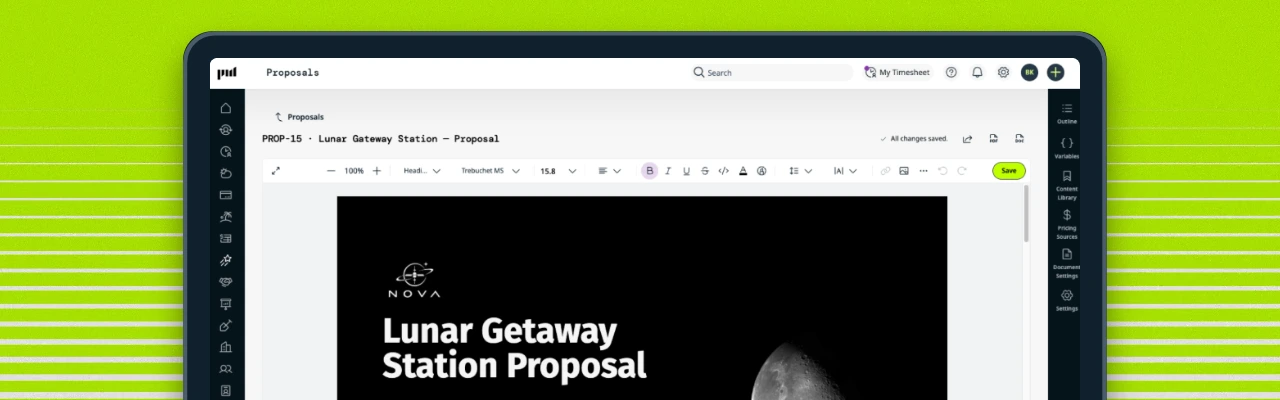
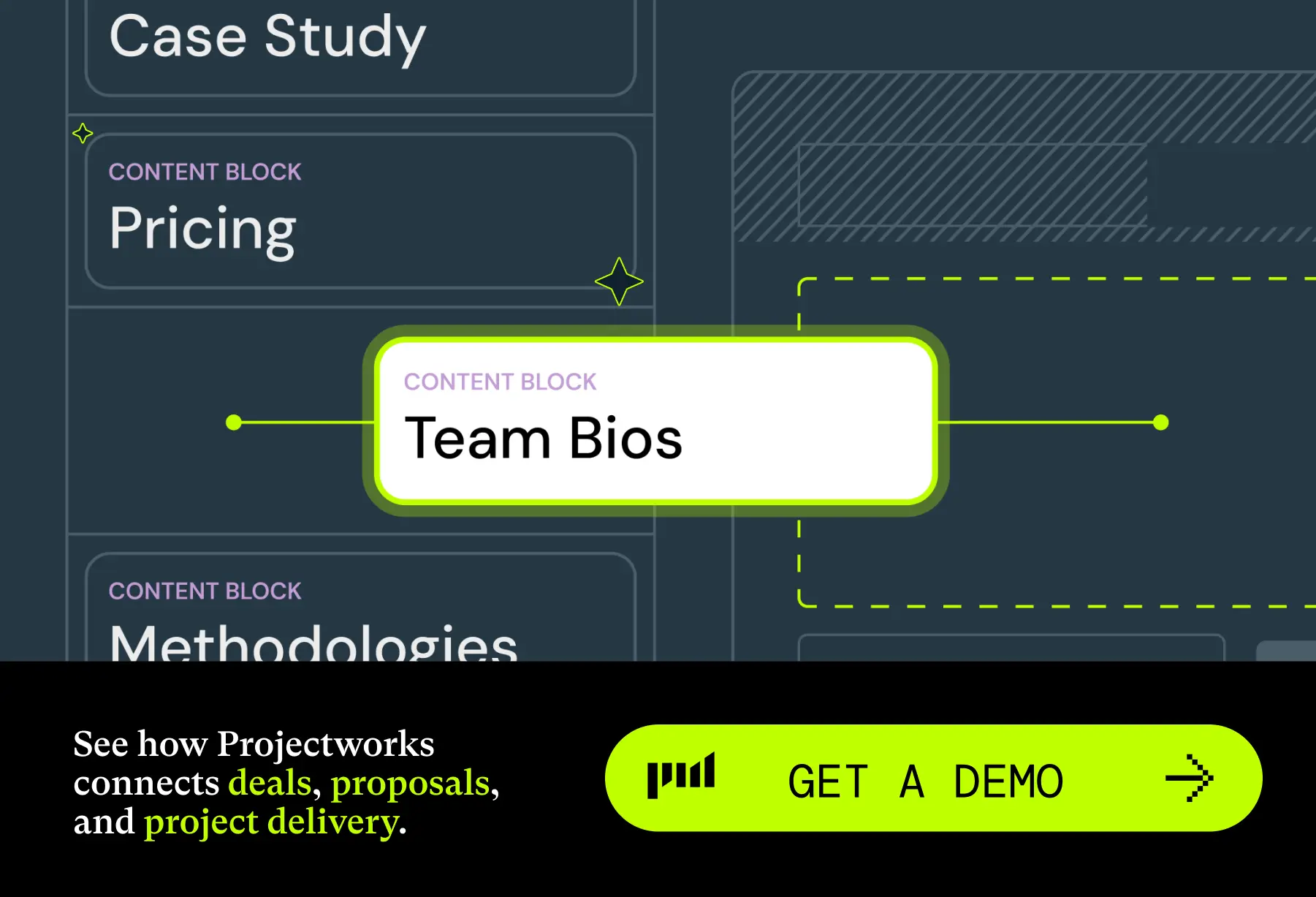
Projectworks CRM and Proposals is now available to try. Proposals are built from reusable blocks for methodology, case studies, pricing and team bios, and early access firms generated over 80% of their client-ready proposals directly from templates. Once the client accepts, the project is created in one step with the agreed pricing already in the budget.
Start with the numbers you already trust
Pick one service line whose past projects are already tagged and costed, and automate proposal creation for that line first. Before any live bid depends on it, run the automation against a few recently won deals and compare each draft with the proposal that went out and the hours the job actually took. Fix the gaps that comparison shows in the data or the templates, then add the next service line.

Read similar resources from Projectworks
-card.webp)
Projectworks has been named to the 2026 Inc. 5000, the annual ranking of fastest-growing private companies in the United States, for the second time. Building a global software business is not an easy thing to do. So when our growth shows up on a stage as competitive as the US market, it means a lot.
Choosing a CRM for your consulting firm? Here's what actually matters. From tracking the bids you have out to what happens once a job is won.
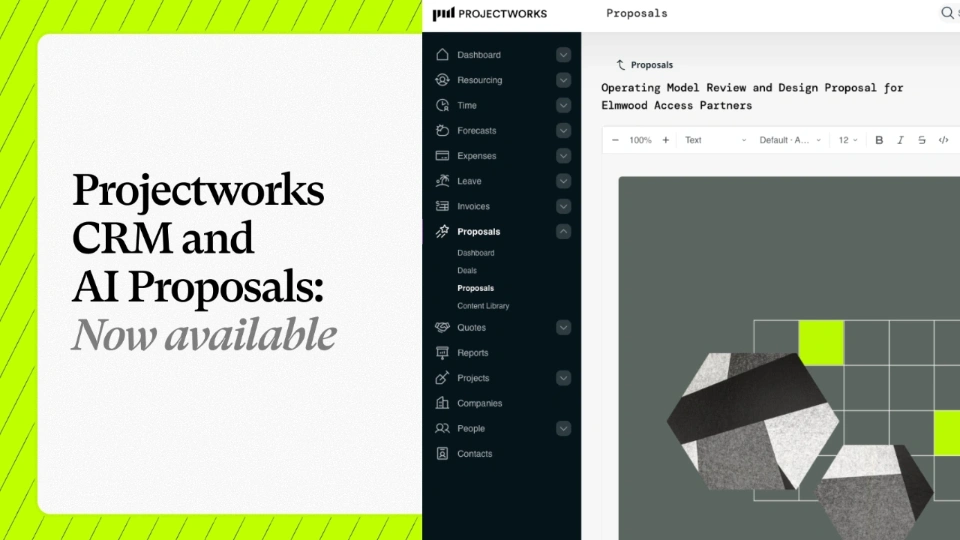
We're excited to announce that our Consulting CRM and Proposals are now available for anyone to use or try out. In just three months, a fast-growing group of firms have been running their pipeline and proposals in Projectworks as part of our early access group, and the results have blown us away.