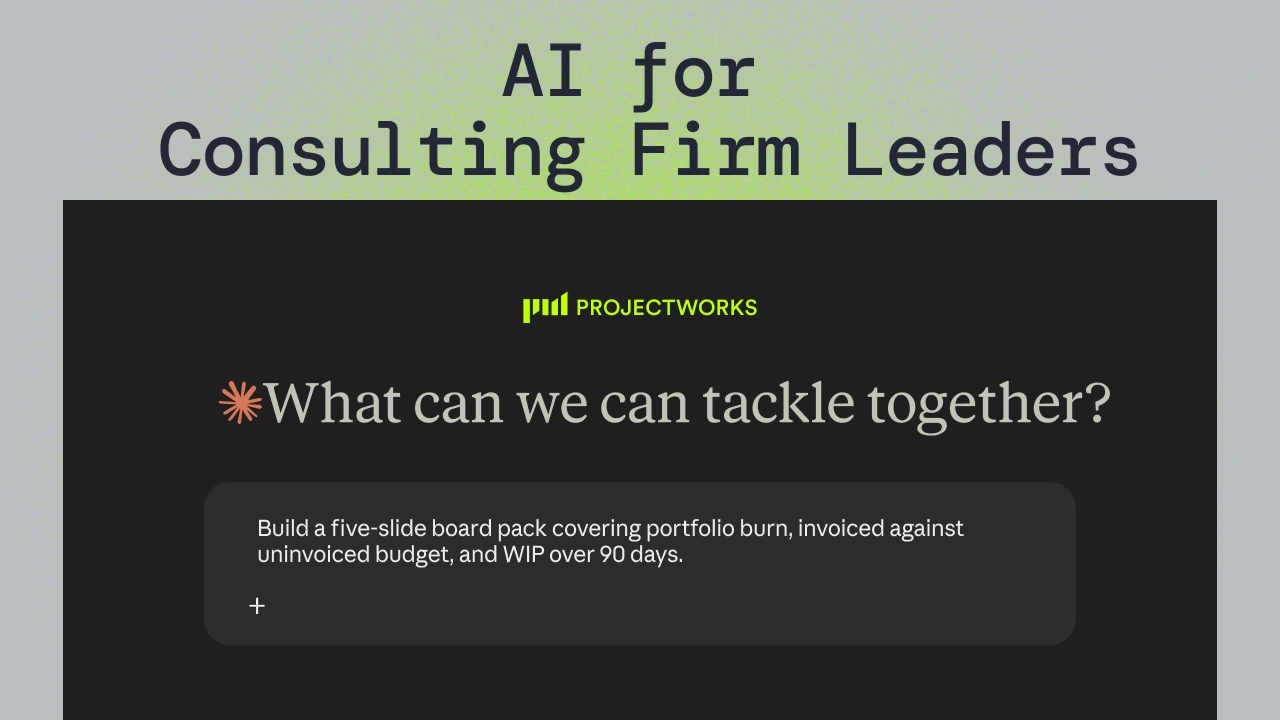



Five client and cash questions firm leaders can answer before their next client or board meeting, by asking Claude, ChatGPT or Copilot connected to Projectworks through MCP. MCP is a common way for AI assistants to link to other software so they can look things up and make changes.
Projectworks customers asked for every one of the AI prompts for consulting firm leaders below, and we ran each featured prompt on the Projectworks MCP.
A key client meeting on Thursday and a board meeting on Monday is an ordinary week for a partner. The numbers for both meetings typically sit across your CRM, Projectworks and finance's spreadsheets, so pulling them together means waiting for someone to brief you or build a report. SPI Research's 2026 Impact of AI on Professional Services report found AI in use on 43.6% of projects, up from 23.1% in 2025, yet surprisingly perhaps, only 29.9% of firms get value from it through revenue (against 84.8% through time saved.) Faster answers to commercial questions are where a firm leader can close that gap.
This is the third post in our MCP series, after resource planning with AI and AI prompts for project managers.
Key takeaways
- Client prep in one prompt: An AI tool connected to both a CRM and Projectworks can brief a firm leader on a client's open deals, active projects, unbilled WIP and overdue invoices from a single prompt.
- WIP isn't unpaid invoices: Unbilled WIP is work a consulting firm has delivered but not yet invoiced, which makes it a different number from unpaid invoices that have been issued and are waiting on payment.
- Board packs from live numbers: An AI tool can draft a monthly board pack from live Projectworks reads of portfolio burn, invoiced and uninvoiced budget, and aged WIP.
- Permissions are respected: The Projectworks MCP only sees what the connected user's own Projectworks login allows, including whether dollar figures are visible at all.
How does the Projectworks MCP handle firm financial data?
The MCP reads four kinds of project financials from Projectworks. The first is WIP at a date you choose, grouped by client, with aging buckets of 0-30, 31-60, 61-90 and over 90 days. Next comes invoiced and uninvoiced budget for each project or client. Then there are finance-approved invoices, showing the amounts paid, credited and still owed, plus how many days each one is overdue. Finally, the MCP reads budget burn and projected burn.
Invoices are currently read only. Where a prompt does lead to a change elsewhere in Projectworks, the MCP drafts it first. Whether your AI tool asks you before saving depends on the permissions you've set for each tool in the Projectworks connector.
Five questions to answer before your next client or board meeting
These are five jobs where the MCP earns its keep. The examples use a fictional firm from our demo data, so swap in your own clients and projects when you try them.
The AI tool works across two connections in one conversation. From the CRM it reads the client's open deals and close dates (we tested with HubSpot), and from Projectworks it reads the client's active projects, budget burn, unbilled WIP and overdue invoices.
What came back was a single brief for the client, with deals and close dates from the CRM next to delivery and billing from Projectworks, all in one answer.
What to check first is the CRM, because deal stages and close dates are only as current as the last person who updated them. Then look for recent payments before you raise an overdue invoice in the meeting. Projectworks only counts payments recorded there, so an invoice the client paid last week can still show as owing if nobody has entered the payment yet.
This meeting prep matters because existing clients are where most new work starts.
What you need is permission in Projectworks to view dollar amounts and invoices, plus a CRM connected to your AI tool.
Via MCP, see unbilled WIP by client and what's aged over 90 days
This is a read-only job built on the WIP read described above.
What came back was unbilled WIP for each client, with the amount older than 90 days called out separately.
WIP is work your team has done that hasn't been invoiced yet. Unpaid invoices are a different number, covered in the late-payers question below. Aged WIP is cash the firm has already funded through payroll, and the longer it sits the harder it gets to bill, so every line over 90 days needs a decision to either bill it or write it off.
What to check is whether expenses are in the total. WIP leaves expenses out unless you ask for them, which is why the prompt says "including expenses", and adding them changes the totals. For a quick sense check, WIP should equal burn minus invoiced for each client. If most of your unbilled work sits with one client, our piece on client concentration risk is worth reading next.
What you need is permission to view dollar amounts.
Use the MCP to compare invoiced and uninvoiced budget across the portfolio
This one is read only as well, and the MCP can return a single portfolio total or a split by client. The answer shows how much of what the firm has sold has actually been billed, which is where a billing schedule that lags behind delivery becomes visible.
What came back when we ran it was invoiced and uninvoiced budget for every client, and the WIP and financials tools agreed on both figures for each client once expenses were included.
What to check is the time frame, because the figures are project-to-date and can't be sliced by month or quarter. Leave any internal projects out as well, since they can carry budget that was never meant to be billed.
What you need is permission to view dollar amounts.
Via MCP, find out which clients pay late
On top of the invoice amounts and days overdue, the MCP reads whether each invoice was emailed and its accounts receivable status, with totals in each currency.
What came back was a list of overdue invoices grouped by client, each with its days late and the amount still owed.
What to check is the invoice status. Ask for finance-approved invoices when the question is about what the firm has billed, because draft, pending and manager-approved invoices haven't gone to the client. Recent payments matter here for the same reason as in the account review. The MCP currently only reads invoices, but with an email tool like Outlook connected, your AI tool can also draft chase emails for you to review and send.
Late payment is common enough across B2B trade that it's worth knowing which clients are behind before you walk into a meeting with them.
If late payers are stretching your cash cycle, our guide to managing DSO covers what to do about it.
What you need is permission to view invoices and dollar amounts.
Use the MCP to draft the monthly board pack
The MCP reads financials and WIP, and the AI tool turns them into a file. Claude can also fill in a template your firm already uses.
What came back from the reads was portfolio burn, invoiced and uninvoiced budget, and WIP over 90 days, which together are the inputs for an AI board pack.
What to check before anything else is which projects count toward portfolio burn. Remember to leave internal and non-billable projects out. After that, check each figure on against the source before the pack goes out.
Boards ask for this view for a reason. SPI Research's 2026 Professional Services Maturity Benchmark survey found that industry EBITDA held at 9.9% in 2025, well below the five-year average of 13.8% (Deltek summary). When profit is that thin, a board wants cash and billing next to revenue, because revenue that hasn't been billed or collected doesn't cover payroll. For the rest of the update, our board finance update cheat sheet lays out the structure.
What you need is permission to view dollar amounts. Saving the pack to SharePoint also needs a Microsoft 365 connector with file access approved by your admin.
More AI prompts for firm leaders
The next five AI prompts for consulting firm leaders are shorter jobs, and most of them rely on a second connector alongside Projectworks.
Getting reliable answers from AI prompts
Give an 'as at' date whenever you ask about WIP, and say 'including expenses' so the total matches what finance sees. Ask for finance-approved invoices when you mean what was billed. Name the client in full, because similar names exist (and the AI tool will pick one if you don't.) Keep internal projects out of portfolio views, and remember that financial figures are project-to-date. Review drafts before they go anywhere, whether it's a follow-up email or a board deck.
FAQs
Will the Projectworks MCP show figures I can't see in Projectworks?
No, because the MCP is a user-level connection. It sees exactly what your own Projectworks login can see and nothing more.
Which AI tools work with the Projectworks MCP?
Claude, ChatGPT and Microsoft Copilot all work with it.
Where does my data go when I use the Projectworks MCP?
Whatever the MCP reads goes into your AI tool's conversation, where the AI provider's terms apply. A business-tier account with a data processing agreement gives you the clearest terms.
Is unbilled WIP the same as unpaid invoices?
No, they're separate numbers. Unbilled WIP is work done but not yet invoiced, while unpaid invoices have been issued to the client and are still waiting on payment.
Terms used in this post
Start with the client you're seeing next
Run the account review the day before your next client meeting and compare it with what you would have walked in knowing. Once the brief has earned your trust, the board pack is the natural second prompt, and the monthly scramble for numbers gets shorter each time you skip it. If your firm isn't connected to the MCP yet, a demo is the quickest way to see these prompts run on live numbers.

Read similar resources from Projectworks
If Claude, ChatGPT or Copilot is already open somewhere in your working day, connect it to Projectworks and it can check delivery against the budget and draft changes for you to approve. The connection runs on MCP, a common way for AI assistants to link up with other software so they can look things up and make changes there.
Thinking of switching from Harvest after the price increase? What to decide first, what data you can export, and how a migration actually works.

How to scale a GovCon firm toward $50M: the three growth stages, what to check before you bid, and how to mobilize after a major contract award.