Free Scope of Work Template for Professional Services (Word + PDF)
An 11-page scope of work template with a task-by-task work breakdown, a RACI matrix and acceptance criteria your client can check. Filled in with a worked example. Free in Word and PDF.
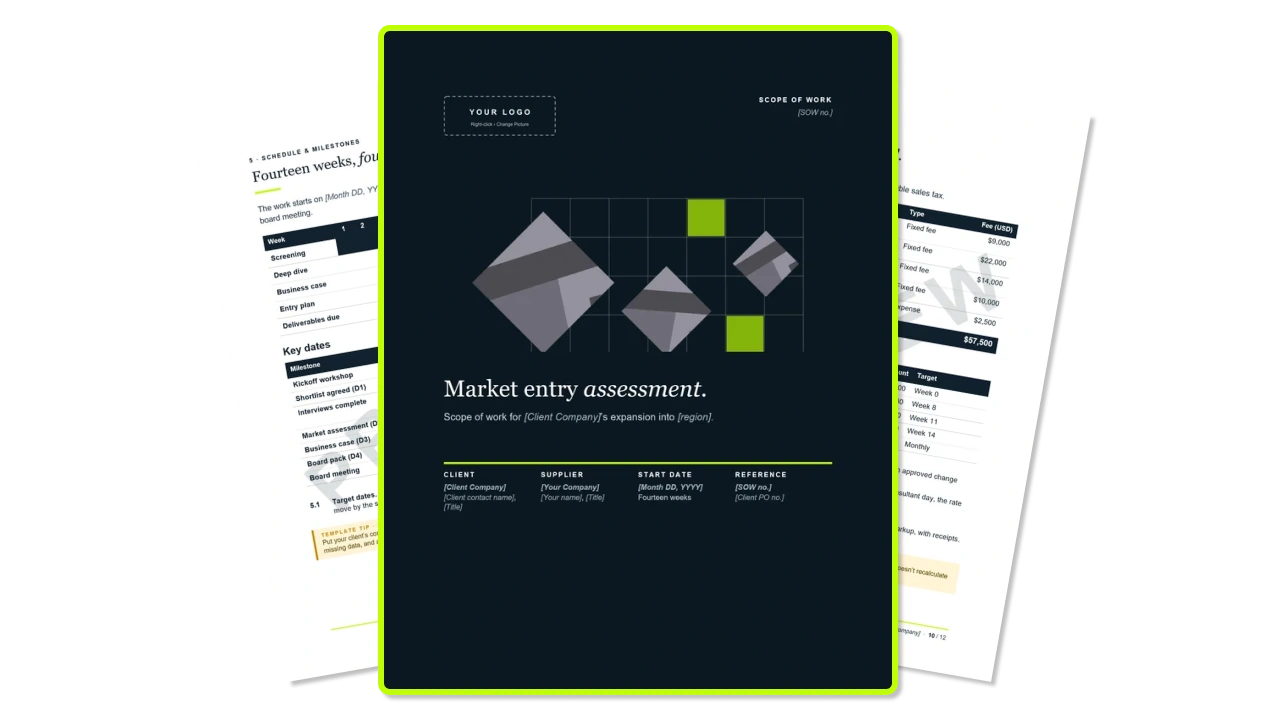
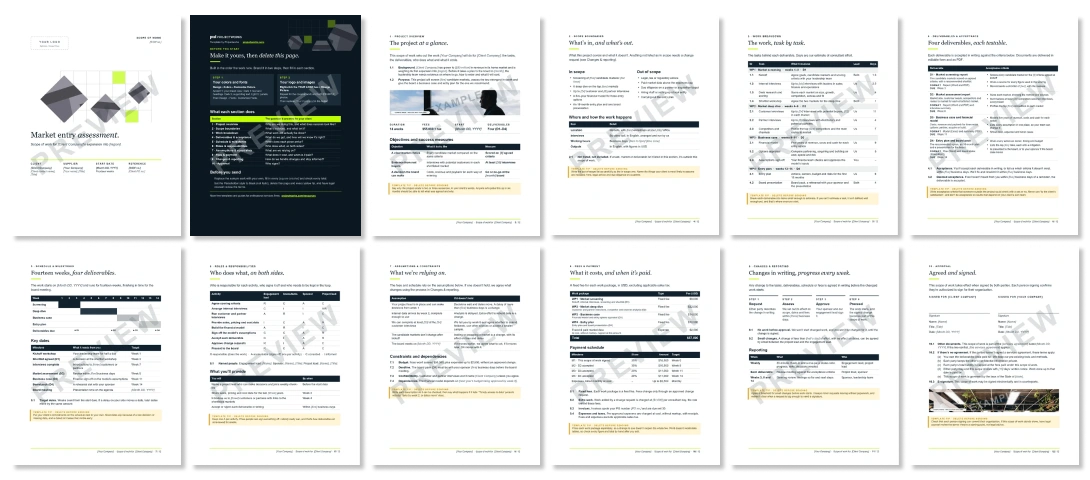
What's inside the Scope of Work template?
Customizable white-label scope of work template for your brand
The template carries no Projectworks branding apart from a How to use page you delete before sending. Colors and fonts are Word theme settings, so changing them once (Design › Colors and Design › Fonts) restyles every page, and every image swaps out with right-click › Change Picture.
What else is included with this scope of work template?
The template includes realistic scope of work example copy to get you started.
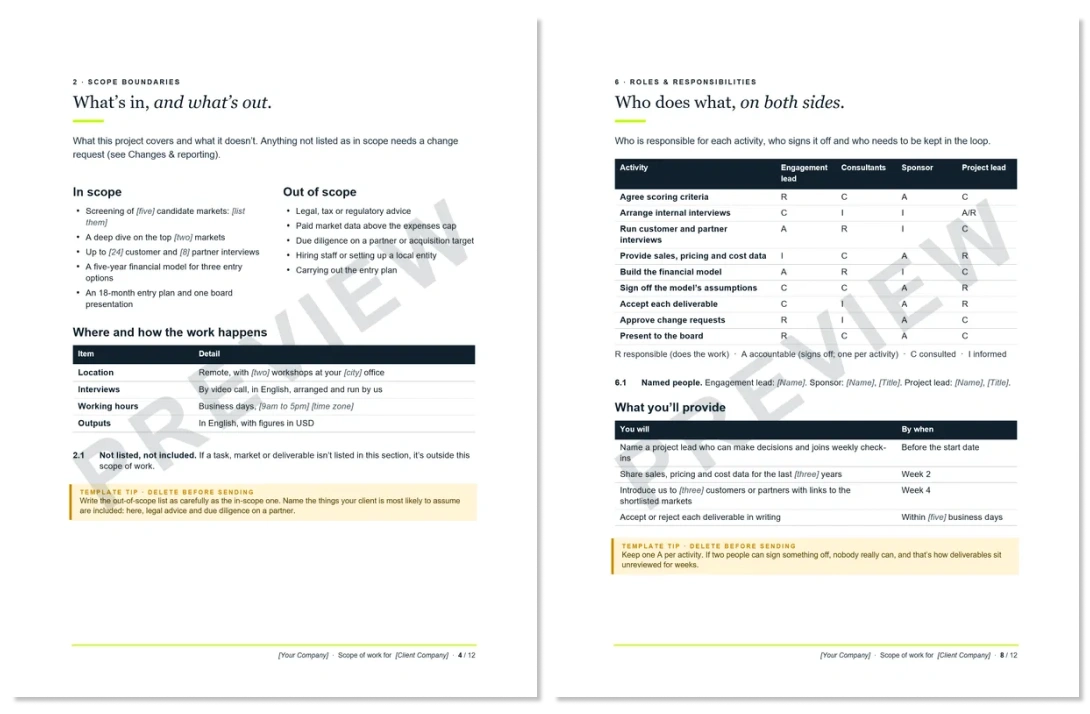
- A work breakdown with 12 tasks in four work packages, each with a lead and estimated days
- In-scope and out-of-scope lists, plus where, when and how the work happens
- Four deliverables, each with three acceptance criteria someone outside the project could check
- A 14-week timeline and a key dates table showing what each milestone needs from your client
- A RACI matrix covering nine activities across both teams
- Five assumptions, each with what happens if it doesn't hold
- A fixed fee for each work package, with payments due on signature and as deliverables are accepted
- A four-step change process, with a threshold for small changes you can agree by email
- Standalone terms, so it works with or without a services agreement
- Clauses Word numbers itself, so deleting one renumbers the rest
- A yellow tip in every section, and a How to use page that walks you through branding it
How to use this free scope of work template
The template arrives as a finished sample, so you're editing rather than starting from a blank page. Brand it first, then work through the sections in order and write the overview last.
- Brand it. Go to Design › Colors › Customize Colors, then Design › Fonts. Every page follows.
- Swap the images. Right-click the YOUR LOGO box, the cover artwork and the two example photos, then choose Change Picture. Replace [Your Company] in the footer.
- Scope boundaries. Write the out-of-scope list as carefully as the in-scope one. Name what your client is most likely to assume is included, because that's where scope creep starts.
- Work breakdown. Break every deliverable into tasks you can estimate in days. If you can't estimate a task, it isn't defined yet.
- Deliverables & acceptance. Write criteria someone outside the project could check with a yes or no, and never use "to the client's satisfaction".
- Schedule & milestones. Put your client's commitments next to your own, with dates.
- Roles & responsibilities. Keep one A per row of the RACI. If two people can sign something off, nobody really can.
- Assumptions & constraints. Give every assumption a consequence. "Data by week 2, or dates move" protects your schedule, and "timely access to data" doesn't.
- Fees & payment. Price each work package separately, so a change to one doesn't reopen the whole fee. Word doesn't recalculate tables, so check every total by hand.
- Changes & reporting. Agree the small-change threshold before kickoff.
- Project overview and approval. Write the overview in your client's words, then check that the people signing can commit their organizations.
- Clean up. Set the Placeholder style to black (not italic), and delete the How to use page and every yellow tip. If the scope of work stands alone, have legal counsel review the terms.
Scope of Work Examples
How to send your scope of work
(and get it signed)
A scope of work only protects you once both sides have signed it.
- Save a client copy. Keep the blank template separate.
- Search for "[". Any square bracket left in the document is a field you haven't filled in.
- Inspect the document. Use File › Info › Check for Issues › Inspect Document to strip comments and hidden personal information.
- Save as PDF. Send the PDF, and keep the Word file for changes.
- Walk your client through it. Spend most of the call on scope boundaries and assumptions, because that's where disagreements start later.
- Set a sign-by date. Put it in your email, and follow up the day before.
- Keep the paper trail. File the signed scope with every change you approve after it.
The first scope is easy. The 40th isn’t.
A good template makes the first scope of work quick to write. The harder part is volume, because firms are signing far more projects than they used to, each of them smaller, and every one still needs its own scope.
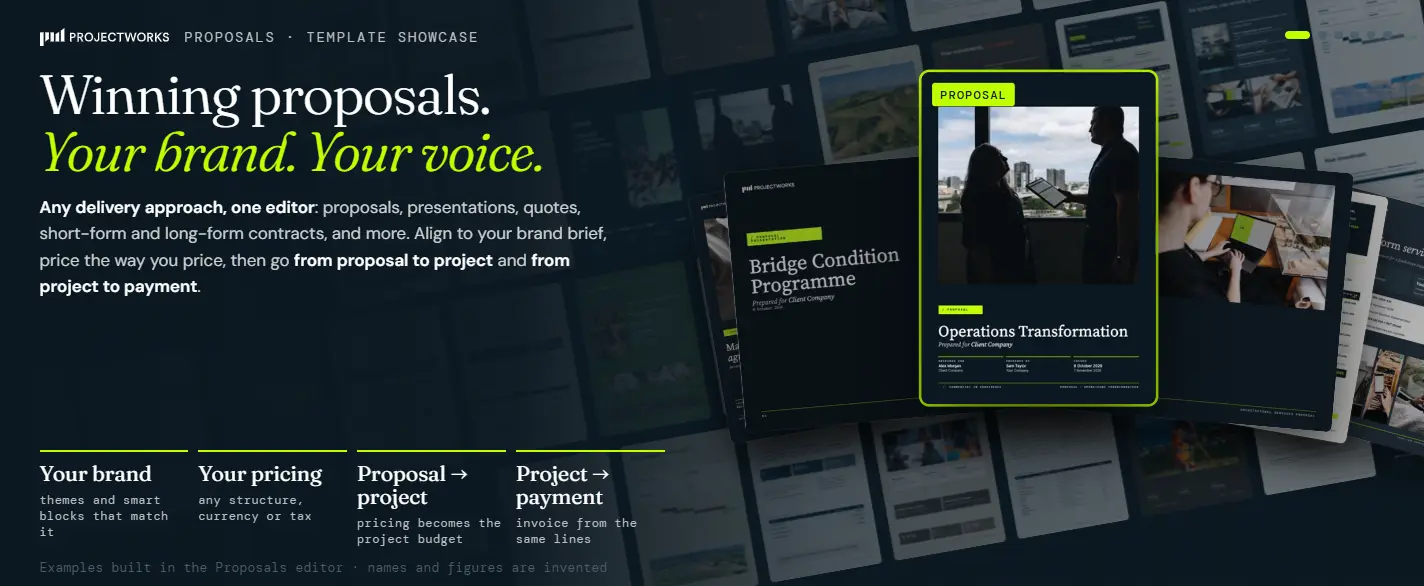
Projectworks CRM and Proposals keeps the deal, the proposal and the project in one place, so the scope you write becomes the budget your team delivers against. This is where it saves time once the scopes start stacking up.
Free consulting scope of work templates vs Projectworks CRM & Proposal Templates
FAQs


Explore similar resources from Projectworks
Your Projectworks data in Claude, looking and feeling like Projectworks. The MCP Design Kit is a free Claude skill for the Projectworks MCP that shows what the connector returns as Projectworks tables, charts and cards.
Six free tools to build a consulting firm's 2027 revenue plan. Rank clients, find the gap, set pipeline targets, plan sales pay, report to your board.
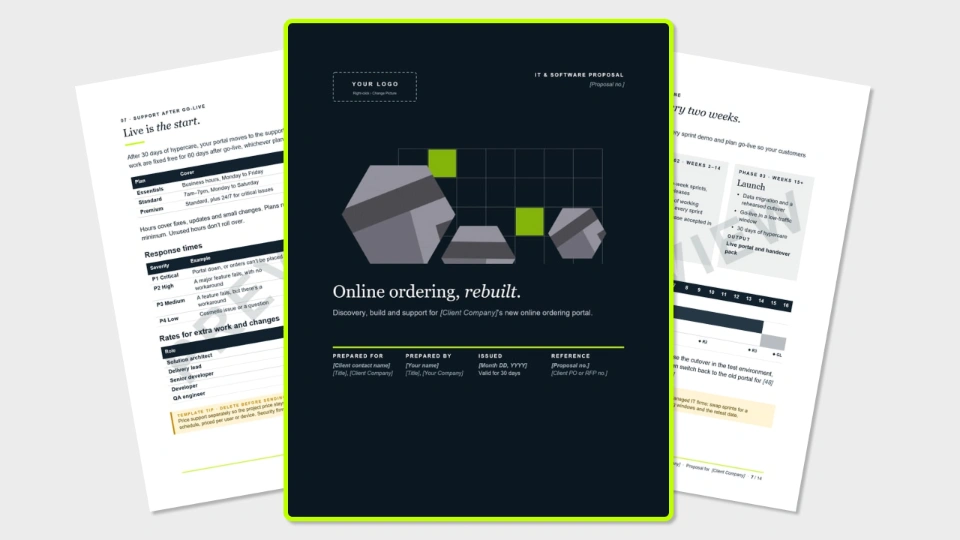
A 13-page software proposal template for IT and software services firms, covering requirements, security, delivery, support plans and milestone pricing. Free in Word and PDF. Instant download.