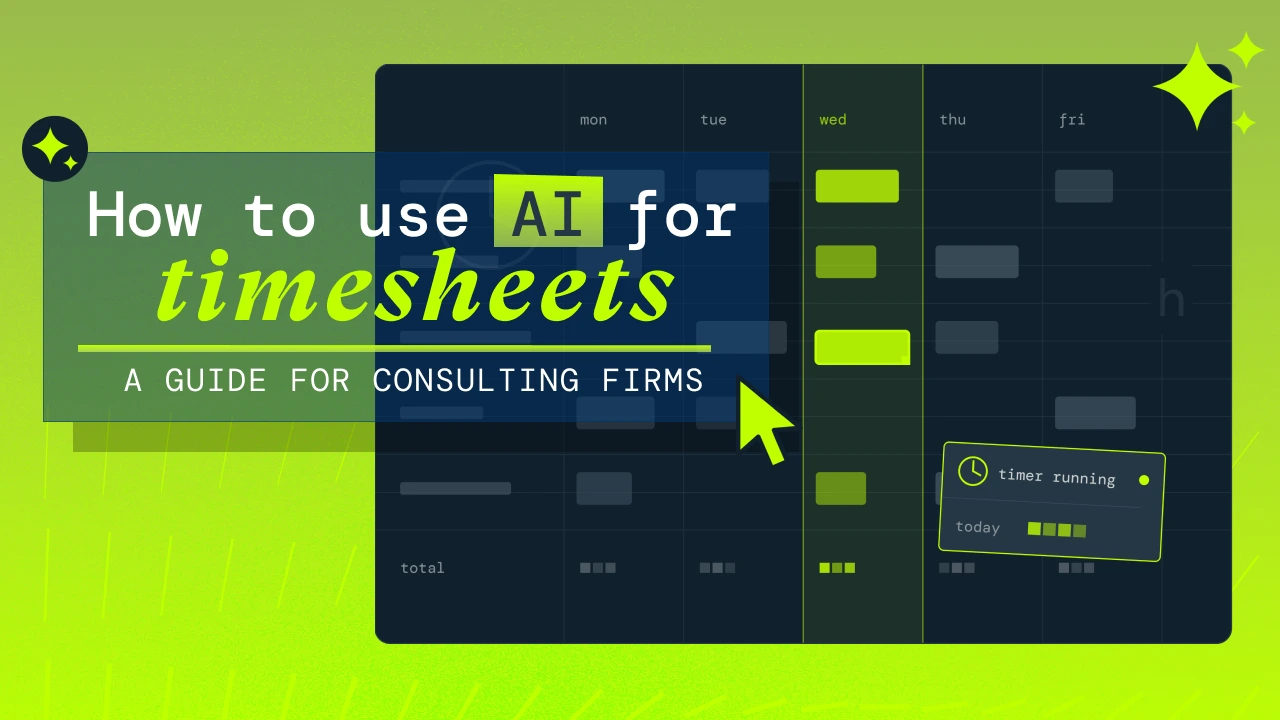


Timesheets fail because recall is hard, not laziness. Here's how consulting firms are starting to use AI to fix capture, coding, and billing.
Nobody forgets to invoice a client. Plenty of people forget half of Tuesday.
That gap is where consulting firms bleed money. Forgotten and rounded hours shave revenue off every project, and every fix firms have thrown at the problem, from Friday reminder emails to month-end mandates to simpler entry grids, treats it as a motivation problem. It isn't. It's a design problem. AI for timesheets works where enforcement failed because it removes the part of the job humans are genuinely bad at. Remembering.
Why timesheet compliance fails at consulting firms
Talk to enough consulting leaders about time tracking and the same three failure modes show up everywhere.
The Recall Problem: reconstructing time from memory
Most people don't log time as they go. They reconstruct it later, and by Friday, Tuesday is a fog. So they guess. They round to tidy blocks. They lump a fragmented day of eleven context switches into whichever project dominated, and the ten-minute client call vanishes entirely. The task isn't data entry. It's forensic self-archaeology, and it gets harder the longer you leave it, which is exactly why the person two weeks behind avoids it hardest. The backlog compounds like unfiled taxes.
The Friction Problem: too many codes, too many clicks
Even with perfect recall, the consultant faces a dropdown of forty project codes and a genuine puzzle. Was that scoping call billable discovery or non-billable sales? Which phase does it sit under? Get it wrong and finance bounces it back. Then add the tooling itself. Desktop-only entry for someone who spends four days a week on client sites is a design decision to collect bad data. Every extra click is a reason to do it later.
The Trust Problem: timesheets that feel like surveillance
This one gets talked about least and matters most. Timesheets can feel like being asked to justify your existence in six-minute increments. Senior people resent the data entry. Others eat hours on projects that ran over estimate, because logging the true twelve hours against a budget of eight makes them look slow. And when the partners visibly don't do their own timesheets, everyone gets the message about how much they really matter. Compliance rots from the top.
None of these people are lazy. The task, as designed, fights how consulting work actually happens.
How does AI timesheet automation work?
Match the fix to the failure mode and AI for timesheets stops looking like hype and starts looking like a plan.
AI timesheet drafting from calendars and activity data
The evidence of where your week went already exists. Calendar events, meetings attended, tickets touched, documents edited, messages sent. AI can read that trail and draft the week for you, which flips the job from recollection to recognition. Reviewing a draft is cognitively cheap, while reconstructing a fog is not.
Calendar-connected time tracking already exists in shipped form, and the emerging model goes further. Through the Model Context Protocol, an open standard usually shortened to MCP, PSA platforms are beginning to connect their project data directly to the AI tools people already use, so the draft arrives pre-matched to real projects and codes.
Automatic project coding and smart suggestions
AI is good at the categorization maze because the maze has patterns. The recurring Tuesday meeting always maps to the same client. Work in a project folder belongs to that project. An AI that has seen your history can pre-code entries and learn from your corrections, so the forty-item dropdown stops being your problem.
Natural language and voice time entry
"Three hours on the discovery workshop this morning, rest of the day on the audit report" is a complete timesheet if software can parse it, and it can. A thirty-second voice note from the car park beats Sunday-night archaeology every time.
AI-written time entry descriptions
"Mtg" becomes a billing narrative a client will actually accept, drafted from the meeting title and attendees, before finance has to bounce anything back. The same pass can flag entries too vague to survive an invoice query and standardize language across a team.
How to draft your timesheet with AI today: step by step
You don't need to wait for connected tooling to test AI for timesheets yourself. Here's a workflow you can run this week with a general AI assistant like Claude or ChatGPT.
Step 1. Export last week's calendar.
Whether you use Outlook, Google Calendar, or even just a calendar spreadsheet, there are different ways to export the week’s view and you just need to find the way that works for you. This might mean copying the entries, or exporting the week as a CSV, or even just a simple screenshot of the week view. Strip anything confidential before it leaves your machine, and check your firm's AI usage policy first.
Step 2. Give the AI your project list.
Paste in your active projects and codes so it has something to match against. Once is enough. Save it as a reusable prompt, or a project in Claude, and it's there every week.
Step 3. Ask for a draft, not an answer.
A prompt that works:
"Here's my calendar for last week and my list of active projects with codes. Draft a timesheet table with date, project code, hours, and a one-line billable description for each entry. Group fragmented meetings on the same project into single entries. Flag any gaps over an hour and anything you couldn't confidently match to a project."Step 4. Fill the gaps by voice.
The calendar won't show deep work, travel, or the calls that never made it to an invite. Dictate what's missing. "Tuesday gap was the audit report, Thursday morning was travel to the client site." The AI slots them in.
Step 5. Review, correct, and enter.
You stay the editor. Fix the mismatches, then transfer the entries into your PSA or time tracking system. Your corrections make next week's draft sharper if you keep the same prompt thread or project.
The first run takes fifteen minutes. By the third week, most people are under five, and the draft catches short calls and fragmented time that memory never would. That's the revenue you were losing.
The connected version removes the copy-paste. When your PSA exposes its data through MCP, the AI already knows your projects, your codes, and your history, and the draft lands pre-matched. That's the workflow we're building toward.
How AI timesheet workflows differ by industry
The failure mode you fight hardest depends on how your consultants work.
Software and IT consulting firms have the richest digital trail. Tickets, commits, pull requests, and sprint activity in tools like Jira or Azure DevOps are timesheet evidence sitting in plain sight, already coded to a project. For these firms, AI-drafted capture is close to a solved problem in principle. The work is in the plumbing.
Engineering and architecture firms have the opposite problem. The billable work happens on site, the laptop stays in the bag, and time tracking happens from memory days later. Voice and mobile entry matter most here, along with calendar-based capture that catches the site visits and travel time that field staff never log.
Management and strategy consultants live in fragmentation. Hourly context-switching across clients, heavy meeting loads, and invoices where the narrative quality matters because clients read every line. Calendar-driven drafting does most of the heavy lifting, and AI-written descriptions do the rest.
Firms in regulated or audit-heavy environments carry a different burden. Where contemporaneous daily records are a compliance requirement rather than a nice-to-have, culture-dependent Friday backfill is a standing risk. AI drafting makes daily entry cheap enough to actually happen, which turns compliance from a culture problem into a systems problem. Systems are easier to fix.
How to introduce AI timesheets without spooking your team
Start with drafts the individual controls. The AI proposes, the person approves, and nothing reaches a manager unreviewed. Say plainly what signals the system reads and what it ignores. Give people their own data first, so the tool proves it works for them before it works for the firm. And put your most senior people on it visibly, because the exemption culture that killed your last timesheet policy will kill this one too.
Ask hard questions of any vendor while you're at it. Where does the data live? Is it used to train AI models, and with whose consent? When you connect third-party AI tools, whose terms govern that data? A vendor who can't answer those cleanly hasn't thought hard enough about the trust problem, and your team will sense it.
The prize is worth the care. The London School of Economics found that employees using AI at work saved an average of 7.5 hours per week, roughly a full working day, worth around $18,900 per employee per year. Timesheets alone won't get you all of that. But for consultants, admin is exactly where those hours hide.
The timesheet's job is changing
For thirty years, firms have tried to make humans better at an unnatural task. Reminders, mandates, prettier grids. AI inverts it. The system remembers, codes, and describes. The human supplies judgment.
And the payoff compounds. Accurate time data feeds truer utilization, sharper estimates, better resourcing decisions, and invoices nobody disputes. We've watched timesheet data turn into $3 billion of customer invoicing through Projectworks. The firms that treat time capture as their most valuable dataset, rather than their most resented chore, will price better, staff better, and grow faster than the ones still chasing Friday reminders.
The technology is early. The direction is not.

Read similar resources from Projectworks

Most pipeline coverage advice is written for SaaS. Here's how a consulting firm sets coverage by deal stage and plans for the clients it will lose.
Let’s say a consulting firm signs a $30,000 engagement in July and invoices the full fee upfront. The client pays quickly and the cash lands, but the work runs from July through September. By the end of July the firm has completed about one-third of the engagement - the project’s on track but the finance team have some work to do to match revenue with the costs incurred (the “matching principle” of having costs and revenue in the same period is a key accounting concept). Only a third of the project’s fee has been earned (because only a third of the work has been done), and the remaining $20k of revenue is deferred to a future period.

It's the end of September and expenses got a lot of love this month, with a couple of big changes you can start using today and more on the way! We've also made updates across financial reporting, resourcing, HubSpot, and invoicing, dive in to see what's new.