Clean and Consistent: We've Updated the Projectworks User Interface
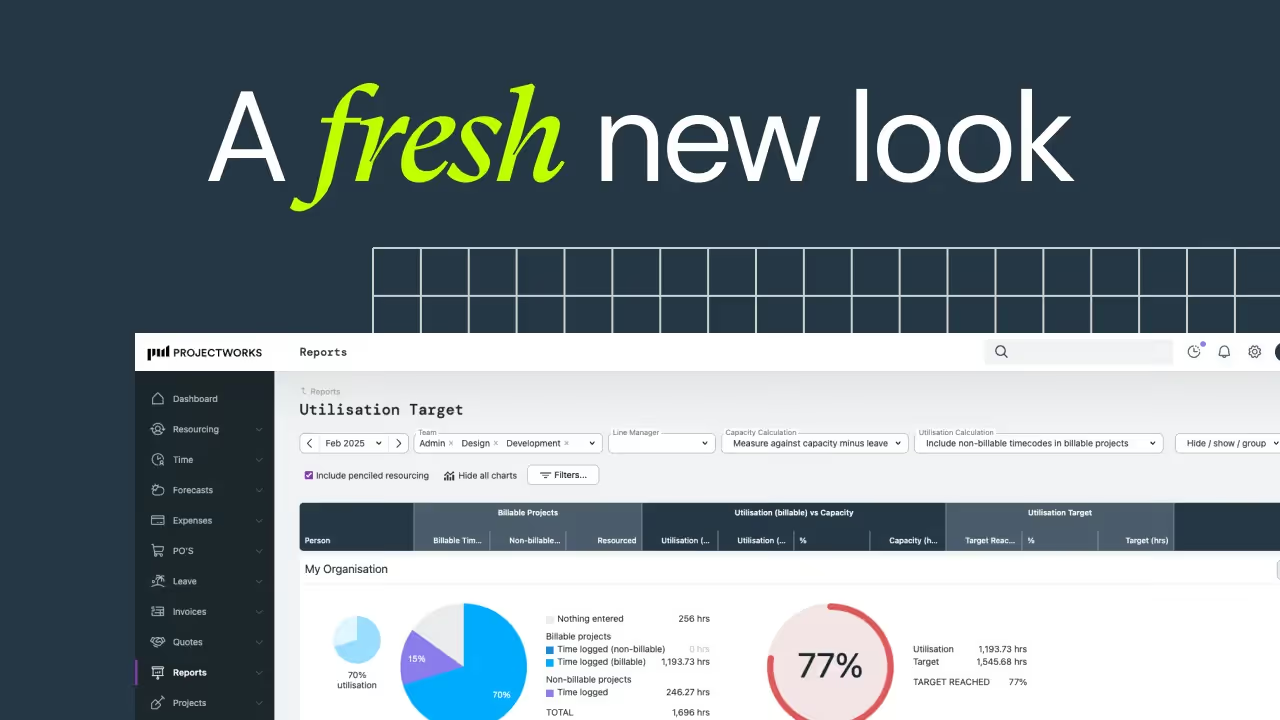



The Projectworks user interface (UI) changed in November 2025.
These changes in Projectworks affect visual appearance only - you can be confident that no functionality or workflows will be affected. The refreshed design brings a more intuitive, modern experience aligned with Projectworks’ continued evolution as a leading PSA software platform for professional services.
Watch this short video to learn about the changes:
What’s Changing in the Projectworks User Interface
You’ll notice a couple of key visual changes when you log into Projectworks from November 2025.
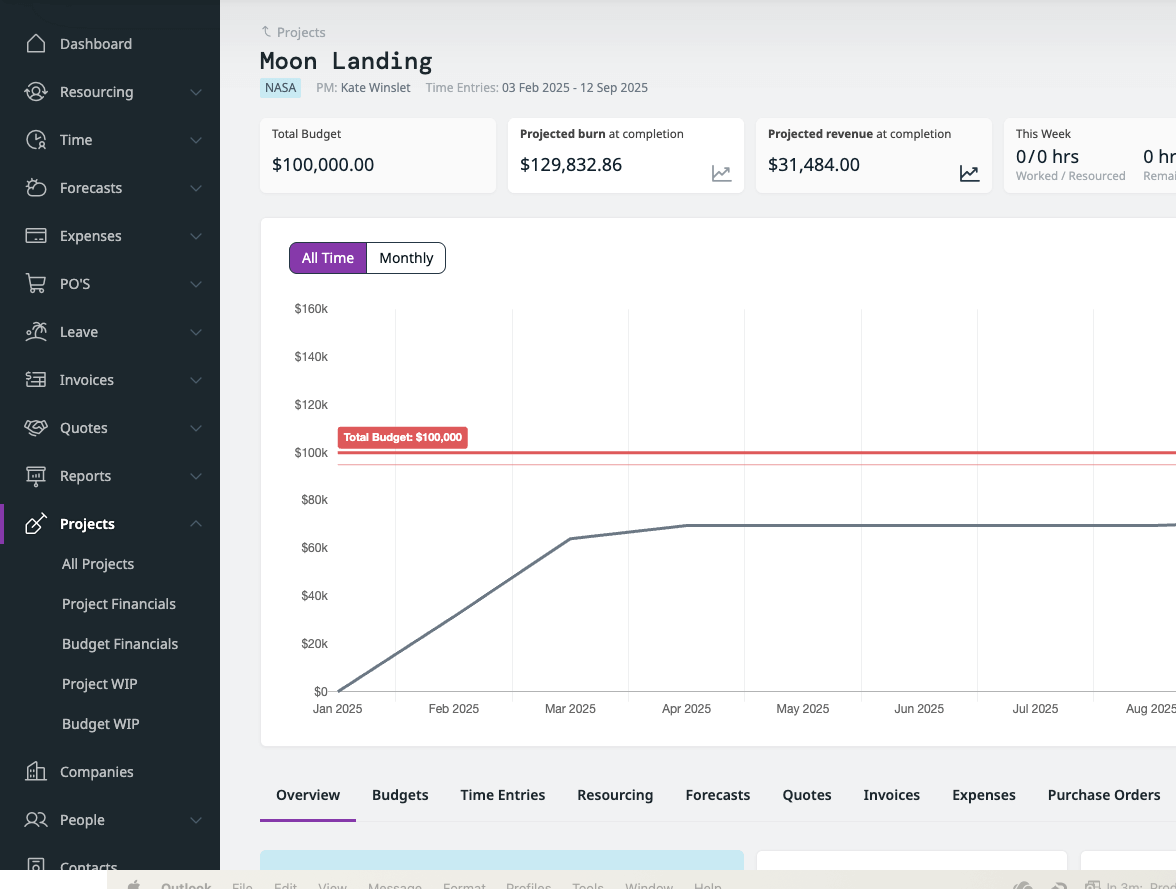
Navigation Menu
The left-hand menu now includes icons alongside labels, and there is a new option to auto-hide or pin the menu. When auto-hidden, the menu will only show these icons, but you can hover over the menu to make it expand - giving you more workspace and an easier way to navigate your professional services tools.
You can also expand or collapse categories within the navigation menu.
Settings Location
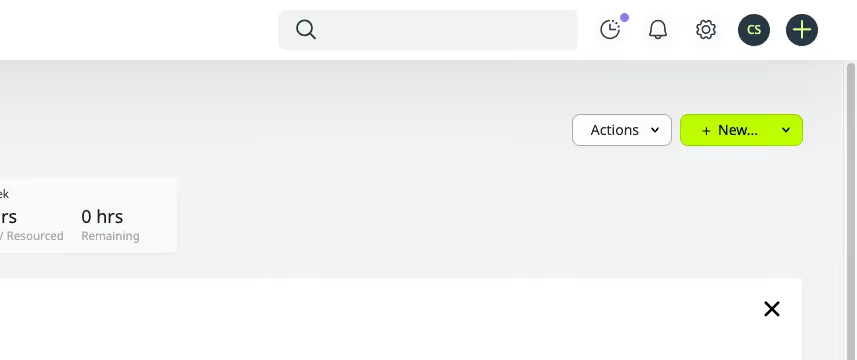
You will be used to finding the settings cog in the bottom-left corner of the screen. As part of the design update, the location of the cog has changed to the top-right of the screen.
The order of some top-right menu items has also been updated.
Updated Color Palette and Fonts
You’ll be familiar with our Projectworks green by now - and we’ve introduced green and purple tones into the product interface for a more modern, on-brand experience.
Page headers and key sections now use these accent colors for better clarity and consistency, and we’ve refreshed typography across pages.
Pages Updated
Budgets, Resourcing, Timesheets, and Financial pages have adopted the new design.
The budgeting workflow has also received an update recently - learn more.
To get hands-on with the changes, click through this interactive demo:
What’s Not Changing
This change is purely cosmetic and designed for consistency and ease-of-use. There have been no changes to core functionality, and existing permissions and user roles are unaffected. Your professional services automation workflows, project data, templates, and reports will behave exactly as before.
We’re excited to share our new look while keeping everything you know and love about Projectworks intact. As always, feel free to reach out to the Projectworks Customer Success team if you have any feedback on the new interface.
We can’t wait for you to experience the new Projectworks look - familiar, but more intuitive and beautiful than ever.

Read similar resources from Projectworks

E-invoicing sends invoices straight into your client's finance system via Peppol. Here's what NZ and Australian firms need to know and fix first.

Most pipeline coverage advice is written for SaaS. Here's how a consulting firm sets coverage by deal stage and plans for the clients it will lose.

Let’s say a consulting firm signs a $30,000 engagement in July and invoices the full fee upfront. The client pays quickly and the cash lands, but the work runs from July through September. By the end of July the firm has completed about one-third of the engagement - the project’s on track but the finance team have some work to do to match revenue with the costs incurred (the “matching principle” of having costs and revenue in the same period is a key accounting concept). Only a third of the project’s fee has been earned (because only a third of the work has been done), and the remaining $20k of revenue is deferred to a future period.