


Learn how resource planning software like Projectworks provides the forecasting data you need to know exactly when to hire your next consultant and protect your margins.
It’s easy to see when your team is getting overloaded: The late nights, projects start running behind, the team starts getting burned out. And with new business about to close, you need to make a new hire, fast.
By rushing to hire a new consultant to ease the workload on your team, you are adding risks to your business. If the hire isn’t vetted thoroughly, or is a mismatch, you can seriously affect team morale and endanger your current projects. And if the spike in workload proves to be only temporary, you will be facing resource underutilization, which hurts your profitability.
The Cost Of Hiring Too Soon Or Too Late
The cost of hiring too late is obvious: Your project timelines run over, you miss deadlines, and staff morale decreases along with client trust. The damage to your firm’s profitability and reputation are immediate and easy to foresee. This is why rush hires happen so often in consulting firms.
Hiring too early comes with its own risks that might not be as obvious: Your available resources are sitting idle, hurting your profitability, and the increase in underutilization decreases margins and prevents your business from growing.
Visualizing Your Future Work And Capacity
If you are using spreadsheets to manage time tracking and resource management, you will have a decent idea of capacity this week, but little to no insight into capacity three months from now. Without this look into future capacity, increases in workload seem to come as a surprise, leading to reactive hiring and the “hiring too late” scenario. And since your view into future capacity is vague, trying to determine when you’ll need to hire comes down to making an educated guess.
In order to avoid hiring too late or too early, you need to be able to visualize both your future workload and your future capacity, and see exactly when workload exceeds capacity. This is the deadline to add a new hire (or hires). Then, based on your hiring and onboarding timeline, you can pinpoint exactly when you need to start the hiring process.
PSA software like Projectworks shows you when your workload will exceed your capacity by connecting your sales pipeline, time tracking and resource management data. This enables you to instantly visualize your currently scheduled work, your most-likely-to-close work in your pipeline, and your current and future capacity to complete that work. The combination of those three metrics is known as your “hiring horizon”, and will enable you to see surges in workload months in advance and to proactively plan for new capacity.
Incorporating your sales pipeline data is crucial to understanding your capacity and utilization. Using PSA software like Projectworks, you can see when your utilization is high (roughly 85%) and your pipeline is strong, that it is time to add more capacity. If utilization is high but the pipeline is slow, you’ll know you're experiencing a temporary spike in workload, and can decide to delay hiring and adjust your resource


Read similar resources from Projectworks
It's the end of September and expenses got a lot of love this month, with a couple of big changes you can start using today and more on the way! We've also made updates across financial reporting, resourcing, HubSpot, and invoicing, dive in to see what's new.
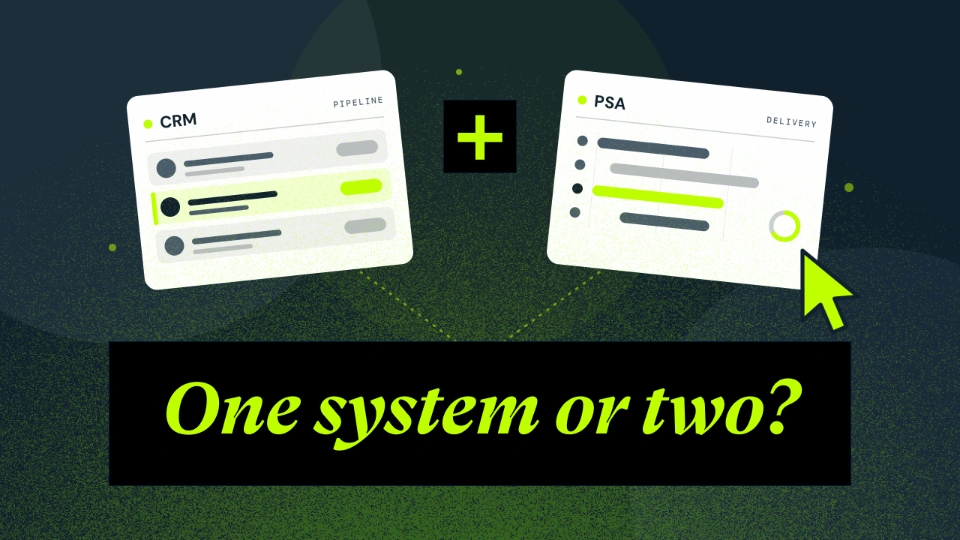
PSA software with built-in CRM, or a separate CRM? For consulting firms, one system usually wins. Here's why.
.png)
This is your guide to all the updates across Projectworks in the month of August. There's new and updated integrations, upgraded resourcing and the opportunity to join early access to Kea, our AI Agent - something for everyone!